You publish a buying guide on your Shopify store, add a few product links, and wait for visitors. A month later, Search Console shows a handful of impressions, and the post barely sends anyone to a product page. Shopify blog SEO starts with finding the gap: your article may answer the wrong question, hide its useful advice, or leave readers without a clear next step.
How to Optimize Shopify Blog Posts for Search and Sales walks you through choosing a search topic, shaping the article around a shopper’s question, and improving its title, description, images, and internal links. You also learn how to connect useful advice to relevant products without turning every paragraph into a sales pitch.
The tradeoff is simple: a broad topic can reach more people, but a focused buying question often brings readers closer to a purchase. Shopify blog keyword research helps you choose that question before you draft. Instead of publishing another general gift guide, you can explain how to choose a gift for a specific recipient, budget, or use.
You do not need to repeat a keyword in every heading or attach a product recommendation to every tip. You need a page that answers the search clearly, gives shoppers a reason to trust your advice, and makes the next useful action easy to find.
Table of Contents
- Step 1: Choose a search topic with clear reader intent
- Step 2: Build a useful outline before you write
- Step 3: Write and format the post for readers and search
- Step 4: Optimize the blog post title, URL, and search snippet
- Step 5: Add relevant internal links and image context
- Step 6: Connect the post to a clear path to purchase
- Step 7: Publish, measure, and refresh the post
Step 1: Choose a search topic with clear reader intent
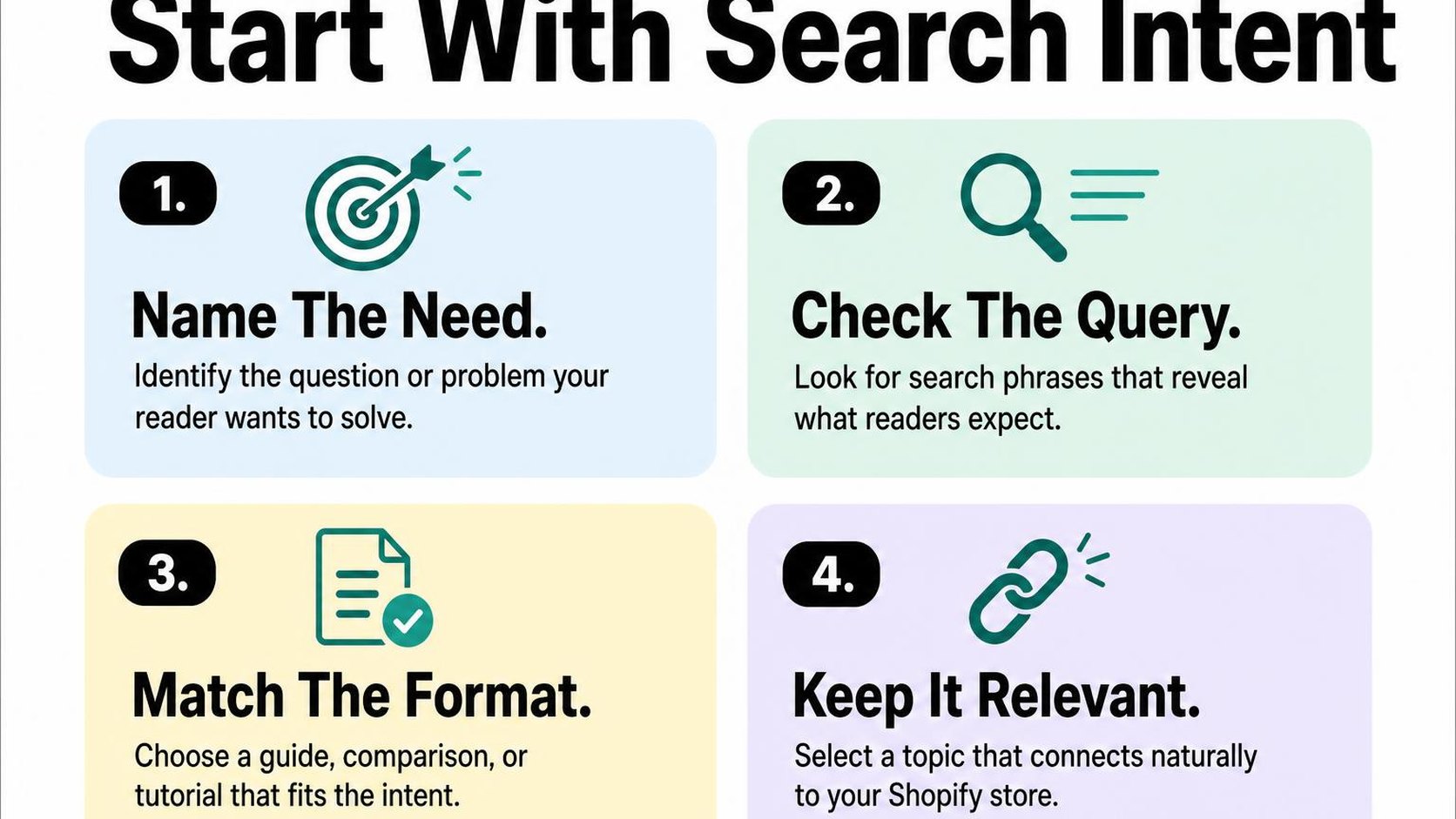
Before you draft another post, choose one question your store can answer well. Shopify blog SEO starts with matching that question to a useful answer and a sensible next step toward your products—not picking the phrase with the largest search volume.
Find questions your customers are already asking
Start your Shopify blog keyword research with support emails, product reviews, return reasons, and customer conversations. Look for repeated uncertainties: sizing, materials, care, compatibility, or choosing between two options. A customer asking whether a wool blanket feels scratchy gives you a more focused starting point than “blankets.”
Check Search Console for queries already bringing impressions to your store, even when clicks are low. Then use Google autocomplete and related searches to collect alternative wording; these suggestions reveal possible questions, not reliable search-volume estimates.
- Collect: Write down ten questions in the language customers use, without replacing their words with technical product terms.
- Group: Combine close variations such as “wash a wool blanket” and “how to clean wool blankets” when one article can answer both.
- Narrow: Choose one main question rather than squeezing care, sizing, styling, and gift advice into the same post.
Use the long-tail keyword research guide to turn broad product themes into more specific search queries. Keep a short topic shortlist rather than building a spreadsheet you never use.
Match the topic to informational or buying intent
Search intent is the task someone wants to complete with a search. Informational intent means learning something, while buying intent means evaluating or selecting a product. Both can support sales, but they need different answers.
Search your shortlisted query and inspect the leading results. If practical tutorials dominate, provide instructions before suggesting products. If comparisons and buying guides dominate, readers likely need selection criteria, tradeoffs, and examples; if product or collection pages dominate, a blog post may be the wrong format.
Practical rule: Match the answer format to the reader’s task. A search for “how to wash a wool blanket” needs care instructions, not a product pitch disguised as advice.
Note what the results leave unclear, such as whether the advice applies to machine-washable wool. Search results can vary by location and over time, so treat this review as evidence of likely intent, not a guarantee that your post will rank.
Check that the topic fits your products
Choose a topic where your products belong naturally in the answer. If you sell wool blankets, “how to choose a blanket for a cold bedroom” creates a clearer shopping path than a broad article about sleeping better.
Write a one-sentence brief before drafting: “Help cold sleepers compare blanket materials, then direct them to suitable wool options.” This keeps the article focused on a reader outcome while giving you a relevant commercial next step.
- Verify: Make sure your product specifications support the advice you plan to give.
- Connect: Identify one relevant product or collection readers can explore after getting their answer.
- Reject: Drop topics that attract visitors whose needs your catalog cannot meet, even when estimated traffic looks appealing.
Step 2: Build a useful outline before you write
You open a blank Shopify blog post, add a working title, and start drafting. Three paragraphs later, you still have not answered the shopper’s question. A useful outline keeps Shopify blog SEO focused on the answer your reader needs, rather than a word count you feel obliged to fill.
Define search intent as the task behind a search: learning a method, comparing options, or choosing what to buy. Give each section a job that supports that task. More detail helps only when it makes the next decision easier.
Answer the main query early
Write a two- or three-sentence answer directly under your planned introduction before outlining the rest. For a post about washing a wool blanket, explain that the reader should check the care label first, then follow the method suitable for that specific blanket. Leave brand history and a general discussion of wool out of the opening.
This is the starting point for how to write SEO-friendly blog posts on Shopify: make the promised answer easy to find. You can add qualifications immediately afterward without making readers scroll past several introductory sections.
- Answer: Draft the shortest accurate response to the main question.
- Qualify: Note exceptions that change the advice, such as different care instructions across products.
- Continue: Identify what the reader needs next, such as equipment, comparison criteria, or numbered instructions.
Organize related questions into sections
Turn supporting questions into headings in the order a shopper needs them answered. A blanket-care outline might move from checking the label to choosing a washing method, drying safely, and handling common mistakes. Do not add a separate heading for every variation of the same question.
Give each planned section one distinct takeaway. If “Can wool blankets go in the washer?” and “How do you machine-wash wool?” require almost identical answers, combine them. Separate sections only when the instructions or decision genuinely differ.
- Sequence: Put prerequisites before actions and troubleshooting after the main method.
- Trim: Remove sections that repeat the opening or drift into a different topic.
- Connect: Mark one natural place for a relevant product or collection link, after the advice establishes why it helps.
Add original expertise and examples
Beside each heading, note what evidence you can contribute: your own product measurements, care-label photographs, customer questions, or documented tests. These details support the E-E-A-T principles for SEO by making the basis for your advice visible. Keep observations specific to the products and conditions you actually examine.
If you compare two blankets after washing, record the care method and measurements before describing any size change. If you have not tested them, use verified manufacturer instructions instead of presenting assumptions as experience. Original detail takes more effort, but unsupported certainty can mislead a shopper and create avoidable returns.
Practical rule: For every section, write down the question it answers, the evidence you can provide, and the decision it helps the reader make. Merge or remove sections that have no distinct purpose.
Step 3: Write and format the post for readers and search
A shopper opens your care guide on a phone, looking for a washing temperature. If the answer sits beneath a long introduction and vague headings, that shopper has little reason to stay. Shopify blog SEO starts with making the answer easy to find, then giving enough detail to help the reader act.
Draft for one practical task, such as choosing a blanket size or cleaning a leather bag. Keep product recommendations tied to that task rather than interrupting every section with a sales pitch.
Use descriptive headings and concise paragraphs
Make each heading describe the answer that follows. “Choose a blanket size for your bed” tells the reader more than “Size matters.” Use the post title as the main heading your theme displays, then organize the body with second-level headings and third-level subheadings where needed.
Keep paragraphs to two to four sentences, with one main idea in each. Put the instruction first and the explanation second: “Wash at the temperature shown on the care label” is more useful than several sentences about why fabric care matters.
- Answer first: Give the recommendation near the start of each section, then explain exceptions.
- Be specific: Replace “use the right size” with measurements, a sizing method, or a clear reference to your size guide.
- Separate decisions: Give washing, drying, and storage their own subheadings when each needs several instructions.
Do not choose heading levels just to make text look bigger. A consistent structure helps readers navigate; typography belongs in your theme settings.
Include keywords naturally without stuffing
Keyword stuffing means repeating search terms unnaturally to try to influence rankings. Instead, name your main topic early, use it in a relevant heading where it fits, and describe the details in the language your customers use.
For a linen care post, “how to wash linen bedding” can appear in the introduction. Later sections can discuss detergent, water temperature, and drying without repeating that phrase in every paragraph. These related terms belong because they answer the question, not because you need to reach a keyword count.
Practical rule: Read the draft aloud. If a phrase sounds inserted for a search engine rather than useful to a customer, rewrite it.
Keep your Shopify blog SEO checklist separate from the published copy. It helps you check coverage, but readers do not need every keyword variation turned into a heading.
Make the post easy to scan on mobile
Preview the post in your actual storefront on a phone before publishing. Check whether headings, lists, and product links remain readable without horizontal scrolling or oversized gaps.
Use bullets for options and numbered lists for instructions that require a sequence. Keep essential advice in normal text, not only inside an image, so readers can resize and access it more easily.
- Trim dense blocks: Split paragraphs that fill most of a phone screen.
- Make links clear: Use wording such as “check the linen bedding size guide” instead of a vague prompt.
- Keep sales relevant: Place a product suggestion after the advice that explains why it fits.
Step 4: Optimize the blog post title, URL, and search snippet
Your post answers a useful question, but its search preview still shows a vague title and the first lines of your introduction. This part of Shopify blog SEO helps searchers recognize what your page offers before they visit. Clear wording can support better-qualified clicks; it does not guarantee rankings or sales.
In Shopify, go to Content > Blog posts, open the post, and find its search engine listing preview. Edit the listing fields, then check that each one describes the article you actually publish.
Write a specific, compelling page title
Your post title is the visible heading readers see on the article. Your SEO title is the title you supply for search results, although Google can display different wording. Keep both focused on the same question, even if you shorten the search version.
Put the subject near the beginning and add a useful distinction, such as the material, use case, or decision your reader faces. “How to Wash Linen Sheets Without Shrinking Them” gives a shopper more information than “Your Ultimate Laundry Guide.”
- Match intent: Promise instructions for a how-to article, not a product collection.
- Cut filler: Remove repeated keywords and generic claims before removing useful details.
- Preview the result: Aim for a concise title, often around 50–60 characters, without treating that range as a fixed Google limit.
Create a concise meta description
A meta description is the summary you provide for a page’s search listing. Treat your Shopify blog meta title and description as a pair: the title names the task, and the description explains the practical benefit.
Start with roughly 140–160 characters as an editing target, not a display guarantee. According to Google’s guidance on search snippets, Google can use page text instead and truncate the snippet to fit the device.
| Field | Weak version | More useful version |
|---|---|---|
| SEO title | Linen Tips | Store Blog | How to Wash Linen Sheets Without Shrinking Them |
| Meta description | Read our blog about linen sheets and shop today. | Learn how to wash linen sheets, choose a gentle cycle, and dry them carefully. Check the care label before your next wash. |
| URL handle | post-17-linen-tips-updated | how-to-wash-linen-sheets |
Connect the summary to a purchase decision only when the article supports it. A care guide can help someone assess maintenance requirements; it does not need a discount message that crowds out the answer.
Keep the URL readable and relevant
The URL handle is the editable final part of your post’s address. Choose a short, descriptive phrase with hyphens between words, and leave Shopify’s blog path structure alone.
Before publishing, remove unnecessary dates, filler, and campaign language. For an existing post, keep a clear URL rather than changing it for a minor keyword variation; if you must change it, create and test a redirect from the old address.
Practical rule: Make the title, description, and URL describe one clear promise. Do not trade accuracy or a stable address for another keyword mention.
Step 5: Add relevant internal links and image context
A shopper reaches your linen-care guide, understands the washing instructions, and wants to find sheets that suit their routine. Shopify blog SEO works better when your post offers a useful next step and your images explain something the text alone cannot.
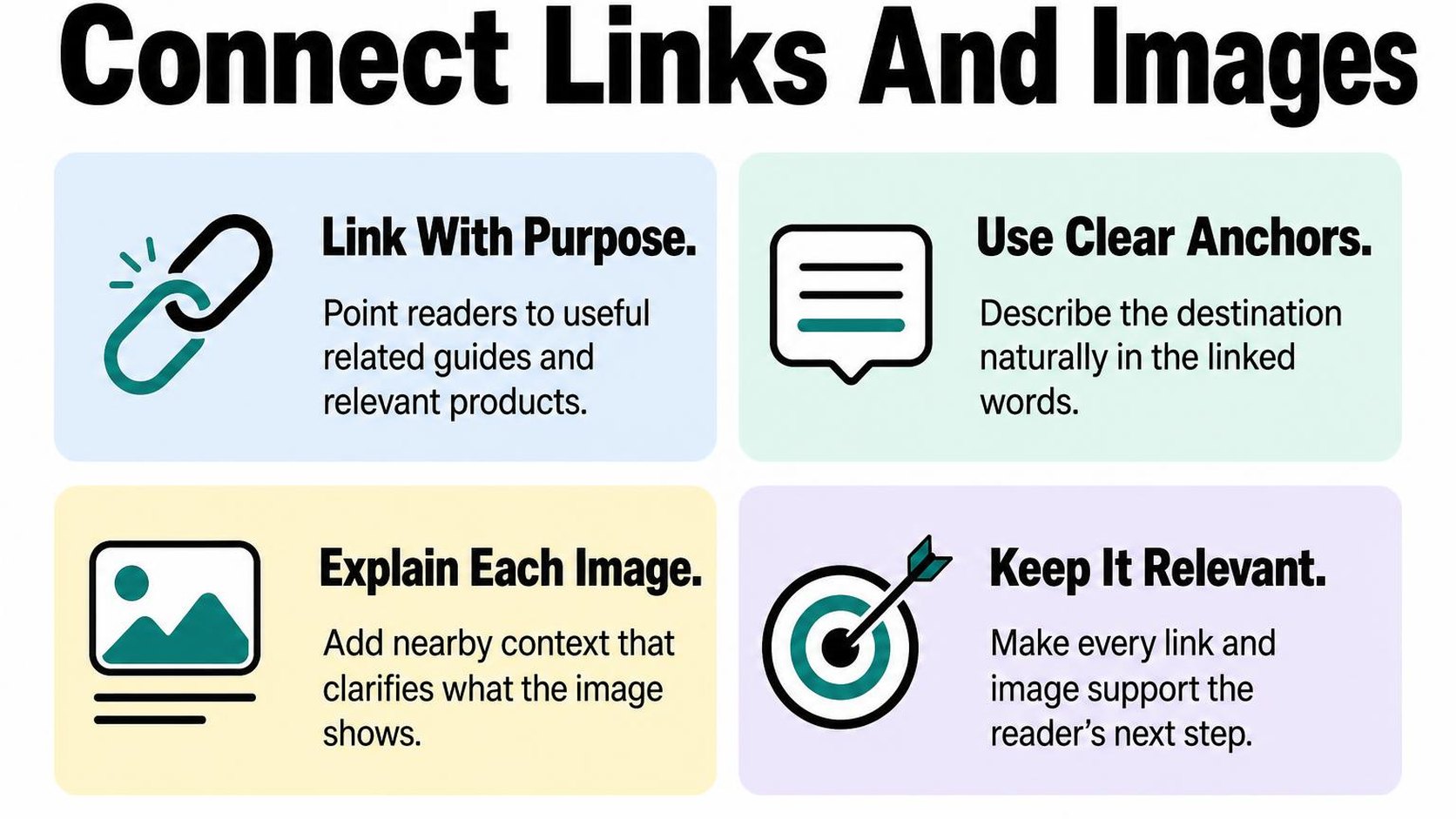
Check each link and image against the question your post answers. More links and larger photos do not automatically make the page more useful.
Link to useful products, collections, and related posts
Internal links connect pages on your own website. Shopify blog internal linking helps readers discover relevant products and supporting advice, while giving search engines paths to those pages and context about their topics.
Place each link where the reader needs it. In a linen-care guide, link to your linen collection after explaining fabric choices, not halfway through an unrelated washing instruction. Use descriptive linked words rather than vague directions such as “learn more.”
- Products: Link to a specific item when its material, dimensions, or features answer the reader’s question. Check that it remains available.
- Collections: Link to a category when readers need to compare options rather than buy one predetermined product.
- Supporting posts: Link to a deeper explanation when it helps readers complete a task without interrupting the main article.
Do not turn every product mention into a link. A few useful destinations give readers a clearer route than repeated links to the same collection.
Write descriptive image alt text
Alt text is a text alternative that conveys an image’s information or purpose when someone cannot see it. For an informative photo, describe the detail that matters in the article: “Linen care label showing a 30°C wash symbol” is more useful than “linen image.”
For Shopify blog image SEO, keep that description accurate and connected to the surrounding explanation. Google’s image SEO guidance explains how alt text and nearby text provide image context, and warns against stuffing alt attributes with keywords.
Use the guide to write descriptive image alt text when you need more examples. Describe what is visible; do not add product benefits, search phrases, or details the image cannot support.
Practical rule: Describe an informative image’s essential message. Purely decorative images need an empty alt attribute, not a keyword-filled description. If an image is a link, its alternative should communicate the destination or action.
Use appropriately sized, relevant images
Choose images that demonstrate the advice: a care-label close-up, a folding sequence, or a fabric comparison. An unrelated lifestyle photo adds download weight without helping someone complete the task.
Resize images for their displayed dimensions, allowing enough resolution for sharper screens, and compress them before uploading. Preview the post on mobile: labels should remain readable, details should stay clear, and images should not overwhelm the instructions.
Use a descriptive filename such as linen-wash-care-label.jpg before uploading. Keep nearby text specific to the image, and test any linked images. Do not sacrifice useful detail for the smallest possible file; balance clarity with download size.
Step 6: Connect the post to a clear path to purchase
A shopper finishes your linen-care guide, understands how to wash the fabric, and reaches the bottom with nowhere useful to go. Shopify blog SEO brings the reader to the article; a relevant next step helps that visit support a purchase without turning the guide into an advertisement.
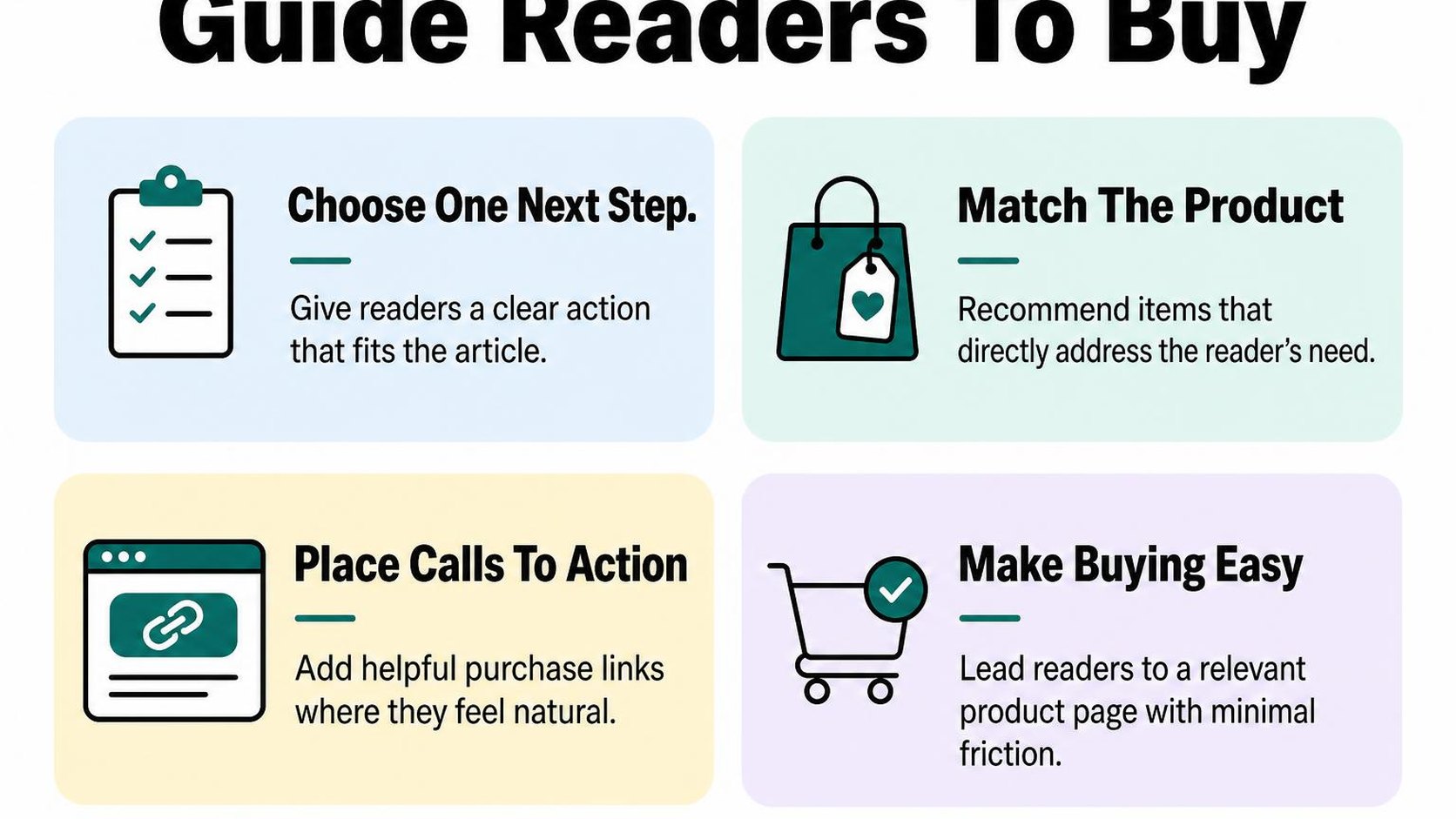
To learn how to optimize Shopify blog posts for sales, start with the problem the reader is solving. Recommend a product only when it helps with that problem, and keep the advice useful even if the reader buys nothing.
Choose a relevant product or collection to feature
Pick the destination before adding promotional copy. A guide to choosing linen bedding naturally leads to a linen bedding collection, while instructions for protecting a wooden table may support a specific care product.
Use a collection when readers still need to compare sizes, styles, or prices. Use a product page when the article establishes a particular need and that product meets it. Do not send every reader to your bestseller simply because it sells well elsewhere.
- Topic fit: Choose an item that directly supports the task, comparison, or use case covered in the article.
- Destination quality: Check availability, product details, delivery information, and mobile usability before sending readers there.
- Honest boundaries: Explain compatibility requirements or limitations instead of implying the product suits everyone.
Add a useful call to action without interrupting the article
A call to action is a prompt that tells the reader what to do next and what to expect. Place it after the advice that makes the recommendation relevant, such as a fabric comparison or a sizing explanation.
Write descriptive text such as “Compare linen bedding sizes and colors,” rather than “Shop now.” In your Shopify editor, link those words to the matching collection or product, then preview the post on mobile to check that the prompt stays easy to notice without dominating the instructions.
One contextual recommendation and a closing prompt are usually enough for a short guide. Repeating the same sales message after every paragraph interrupts reading and makes helpful advice feel less trustworthy.
Practical rule: Finish answering the reader’s immediate question before asking for a purchase. If removing the sales prompt leaves the article incomplete, add the missing advice rather than forcing a store visit.
Match the offer to the reader's stage
Someone searching for washing instructions may already own the item and need no purchase at all. Someone comparing bedding fabrics is closer to choosing, so the next step should reflect that difference.
- Learning: Offer a relevant comparison or care resource that helps the reader understand the options.
- Comparing: Point to a focused collection with clear differences in material, sizing, or price.
- Ready to buy: Recommend the suitable product and explain any fit, stock, or delivery details that affect the decision.
Measure product-link clicks, add-to-cart activity, and purchases where your analytics setup supports them. Treat those results as signals to improve relevance, not a reason to add more promotional blocks to every post.
Step 7: Publish, measure, and refresh the post
You open the published article on your phone and notice a broken product link or a heading that tells readers nothing. Finish your Shopify blog SEO work with a live-page check, then record what happens after publication. Publishing starts the measurement cycle; it does not prove the post works.
Check the post before publishing
Use this Shopify blog SEO checklist in preview, then repeat the functional checks on the live URL. Check the reading experience as carefully as the search listing: a useful snippet cannot rescue a confusing article.
- Search listing: Make the Shopify blog meta title and description specific to the question answered. Keep both readable rather than squeezing in every keyword variation.
- Content: Confirm the opening answers the main question, headings follow a useful sequence, and claims match current product details.
- Images: Check mobile sizing and descriptive alt text for informative images. Remove oversized files that add little value.
- Links: Test relevant collection, product, and supporting article links. Replace unavailable destinations rather than sending readers toward dead ends.
- Measurement: Confirm your analytics records article visits and relevant product-link events, subject to consent settings. Save the publication date and URL in your tracking sheet.
Track impressions, clicks, engagement, and assisted sales
In Search Console, filter the Performance report to the article URL and review its queries. Google’s Performance report documentation explains the available search metrics and filters, including impressions, clicks, click-through rate, and average position.
Click-through rate is clicks divided by impressions. Review engagement and commerce activity separately in your analytics: a search click does not tell you whether someone reads the advice or explores a product.
| Signal | First check |
|---|---|
| Few impressions | Check indexing, query relevance, and demand before rewriting. |
| Impressions but few clicks | Compare ranking position, query intent, and the search listing. |
| Visits but little engagement | Check whether the opening answers the query and mobile reading works. |
| Engagement but few product visits | Check whether a shopping next step actually suits the topic. |
Assisted sales are purchases where the article appears earlier in a tracked customer journey, rather than being the final visit. Use attribution reports where available, but treat them as incomplete: consent choices and cross-device shopping can hide touchpoints.
Update content when search intent or facts change
Check monthly for broken links and outdated facts, then review performance over comparable periods. For low-traffic posts, allow a longer observation window; a handful of visits rarely supports a confident diagnosis.
Refresh examples, product availability, screenshots, or advice when they stop matching the query. Record the change date and your hypothesis, then compare results while accounting for seasonality and promotions. Avoid changing everything at once or replacing the URL simply to make the post look new.
Practical rule: Diagnose one weak point, make a focused change, and review the same metrics again before expanding the rewrite.
Yassine Malti is the developer writing this guidance from hands-on store work.
Put this into practice
Start with the store you already have, then use the guides on the blog for the next page that needs the same treatment.
Shopify apps by Yassine Malti
Put this into practice
-

ALT SEO · Image alt text
AI alt text for every product image · 100 images/month free
-

RANKit · Meta titles & descriptions
AI meta titles and descriptions, sized for Google · 50 meta tags/month free
-

TAGit · Product tags
SEO-friendly product tags, generated in bulk · 50 tags/month free