A skincare store has 400 products, a new theme, and a team member spending three weeks rewriting product descriptions by hand. Meanwhile, half the products share the same SEO title, most images have no alt text, and old handles were changed without redirects. Traffic stalls, and nobody can tell whether the new copy helped because the basics underneath it are still broken.
That's the normal order of work on Shopify, and it's backwards. Descriptions matter, but they can't rescue pages Google can't tell apart, shoppers can't scan on mobile, or URLs that changed without a redirect trail.
This On Page SEO Checklist is ordered by impact first, effort second. Fix titles and descriptions on your money pages, lock down URLs and headings, then work through images, links, intent, schema, and canonicals. You'll get exact admin locations, a clear flag for bulk fixes versus developer-dependent work, and the pitfall that usually undoes each fix. Do it in this order and you won't rewrite good copy three times while a template problem overwrites it.
Table of Contents
- 1. Optimized Title Tag
- 2. Compelling Meta Description
- 3. Clean and Descriptive URL Structure
- 4. Logical Heading Hierarchy (H1 to H3)
- 5. Image Optimization and Core Web Vitals
- 6. Strategic Internal Linking
- 7. Search Intent Alignment and Content Depth
- 8. Structured Data (Schema Markup)
- 9. Canonical Tags and Duplicate Content Control
- How the nine on-page SEO checklist items compare for Shopify stores
- Ship the Nine Fixes in Priority Order
1. Optimized Title Tag
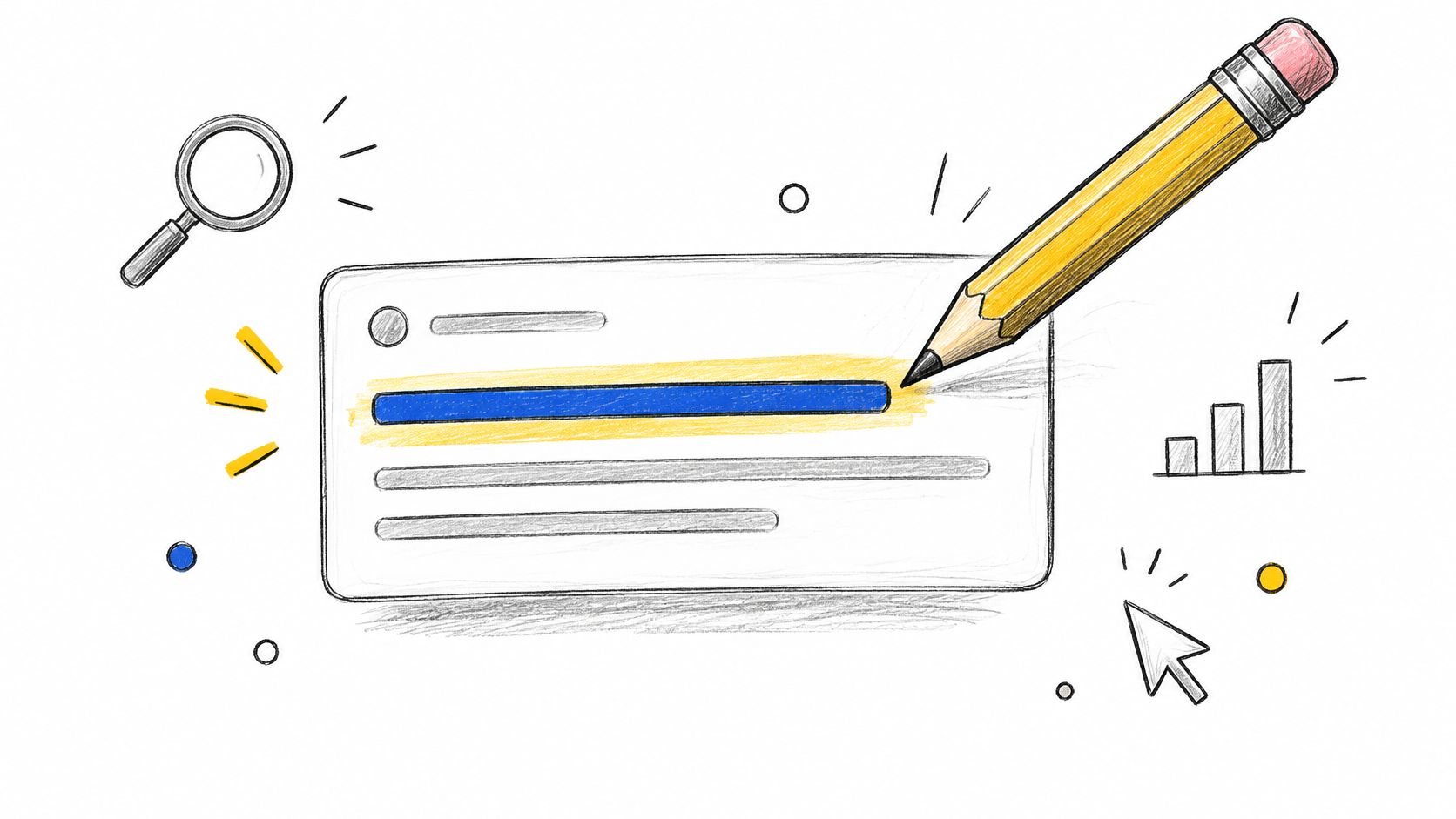
Your title tag is the HTML title browsers show in the tab and search engines often use for the clickable result headline. It's treated as an input, not a guarantee. The Google Search Central guidance on title links and snippets shows Google can build a title link from your H1, prominent styled text, anchor text, Open Graph data, or structured data instead. If your title, visible heading, and page copy disagree, Google picks its own version.
How to fix it in Shopify
Edit each product, collection, page, or blog post under Search engine listing at the bottom of the admin editor. The SEO title field overrides the default product name. Lead with one primary keyword and one clear benefit, and keep important words early so they don't get cut off.
- Weak: "Running Shoes"
- Better: "Men's Trail Running Shoes With Grip | Brand Name"
- Collection example: "Organic Skincare for Sensitive Skin | Brand" beats plain "Skincare"
For scaling this across a large catalog, follow a repeatable process for optimizing Shopify meta titles and descriptions at scale instead of editing one product at a time in random order. Start with pages showing high impressions and low clicks in Google Search Console under Performance.
Practical rule: One page, one primary keyword, one reason to click. If two products need the same title, you have a merchandising problem, not a copy problem.
The common pitfall is a brand-heavy pattern repeated everywhere, which makes every result look identical. Compare your approach against Digital Skyrocket's service website SEO checklist if you also run service pages, since intent differs there. Effort: low, and fully bulk-friendly with CSV exports or an app. No developer needed unless your theme hardcodes titles.
2. Compelling Meta Description
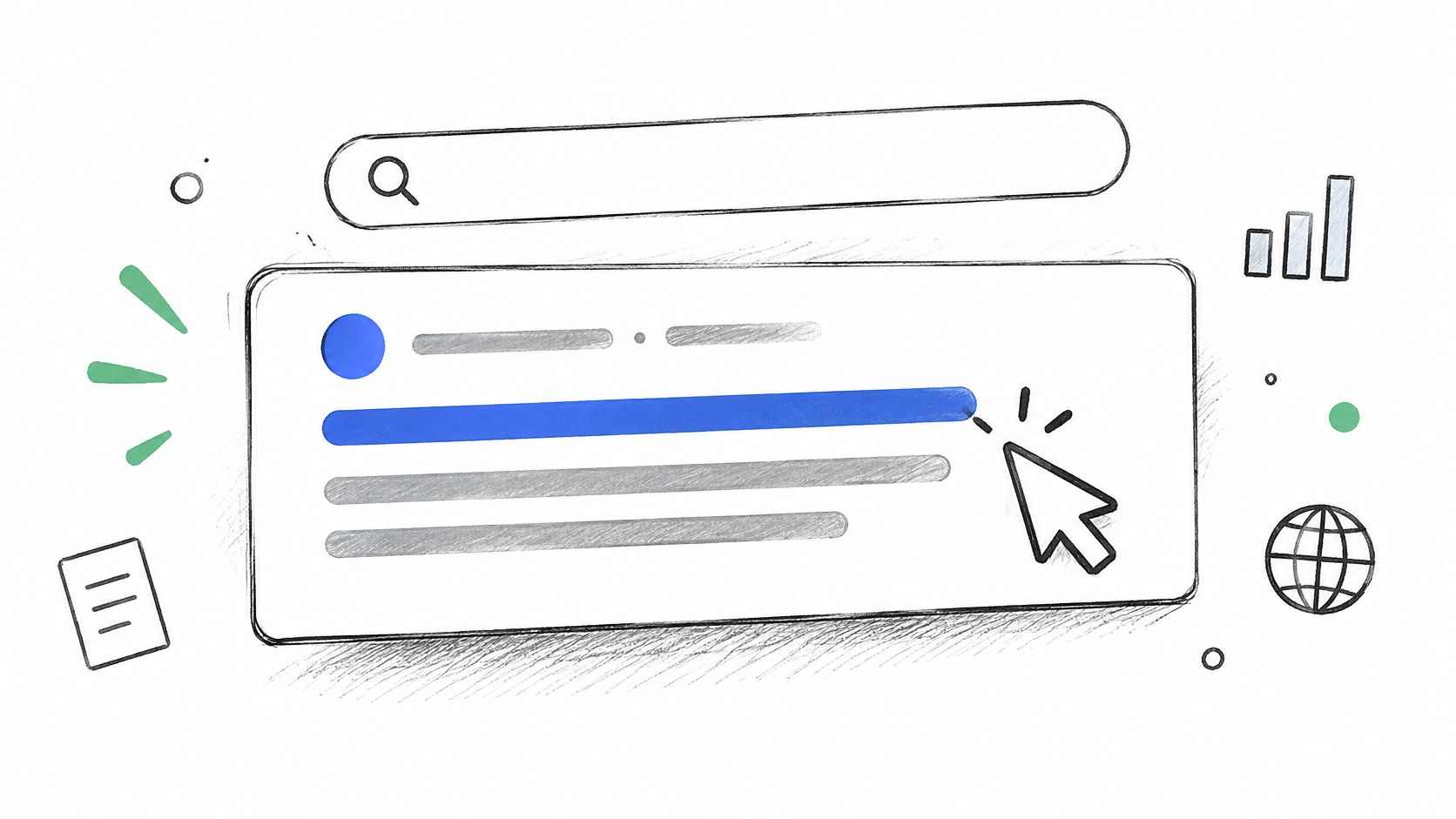
A meta description doesn't directly lift rankings, and Google may ignore it and pull a snippet from visible page content instead. That makes it a click-through tool, not a ranking lever. Write it to win the click, and make sure your first real paragraph can also do that job if Google rewrites you.
What a working description does
It states what the page offers, names one concrete benefit, and gives a reason to choose you now. Say a candle collection uses, "Shop handmade candles in seasonal scents with free shipping over a stated threshold." A shopper comparing five near-identical results has something specific to act on.
- Product page: Name material, fit, and a shipping or returns cue.
- Collection page: State the range and who it's for, not just the category name.
- Blog post: Answer the title's question in brief and preview the takeaway.
In Shopify, you'll edit this in the same Search engine listing block as the SEO title. Write unique copy for high-traffic and high-margin pages first, then template the long tail from real product facts like material, size range, and use case. Don't paste in your first paragraph. It's usually written for people already on the page, not people deciding whether to visit.
Check how the snippet wraps on mobile before you ship it, since that's where most shoppers see it. Then watch Search Console for pages where Google keeps substituting its own text. That usually means your description doesn't match the query or the page. Effort: low. This is a bulk job, and I recommend fixing it in the same pass as titles so you only open each product once.
3. Clean and Descriptive URL Structure
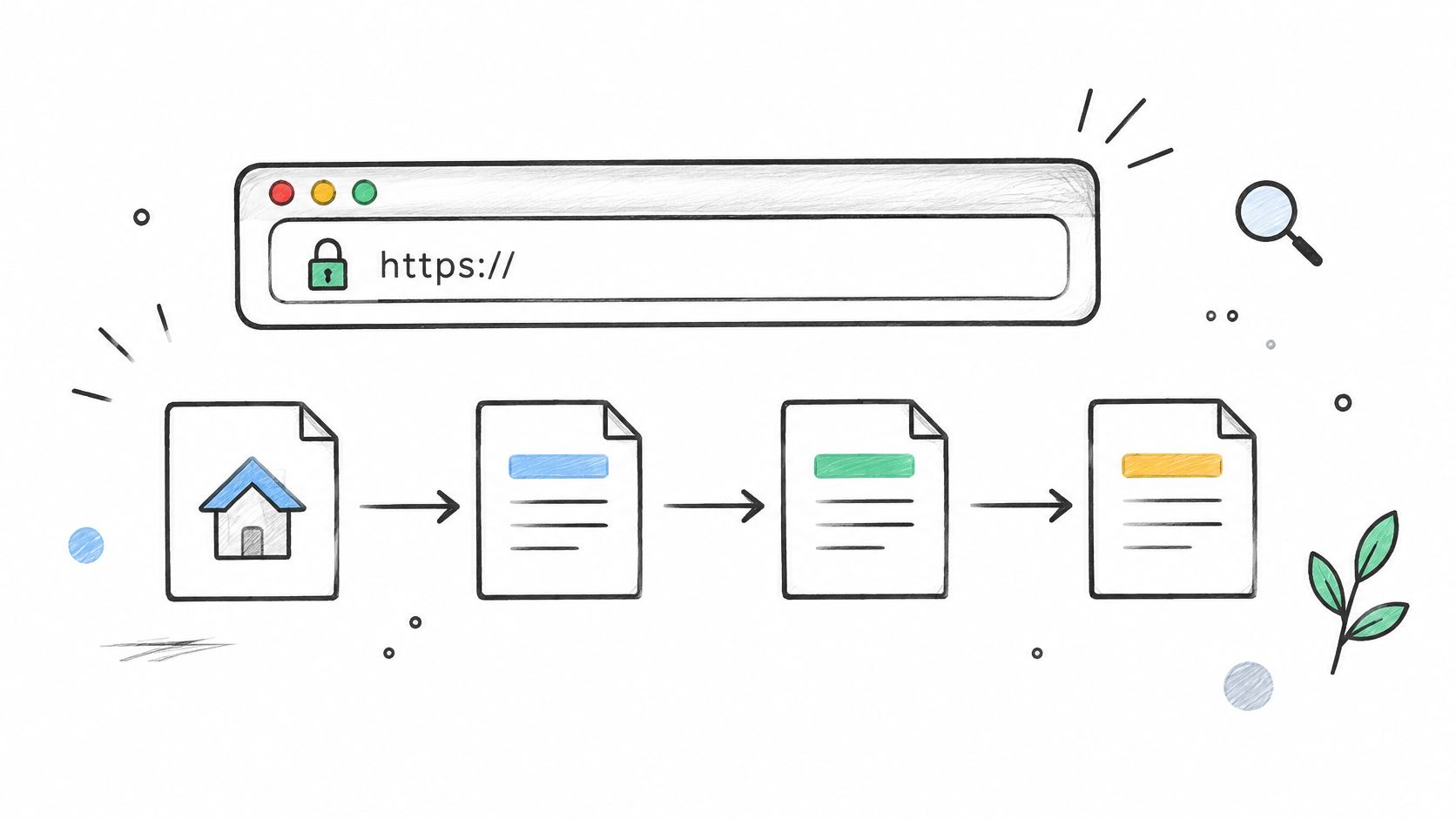
Shopify fixes most of your URL structure for you. Products live under /products/, collections under /collections/, and blog posts under /blogs/. You can't remove those prefixes, and trying to work around them with proxies creates more risk than value. What you control is the handle, the slug after the prefix, and that's where the wins and the damage both happen.
The only URL change worth making
Rename handles that say nothing. Changing /products/item-4421 to /products/merino-wool-crew-socks tells shoppers and search engines what the page is before it loads. A collection like /collections/women-running-shoes matches how people search. A blog handle like /blogs/news/how-to-choose-a-mattress survives being shared in a chat or email without explanation.
Every handle change needs a redirect. Go to Content, then Menus, then View URL Redirects in newer admin layouts, or Online Store, then Navigation, then URL Redirects, and add a 301 redirect from the old path to the new one. Shopify prompts you to create one when you edit a handle in the Search engine listing block. Don't skip that checkbox.
If a page already ranks and earns clicks, leave its URL alone unless it's actively misleading. A prettier slug isn't worth a rankings dip and a redirect chain.
Keep slugs to a few meaningful, lowercase words separated by hyphens. Use the same core term in the slug, title, and H1, but don't force an exact match everywhere. Link internally to the /products/ canonical path, not collection-scoped product URLs. Effort: low for new pages, medium for renames because redirects and internal links need checking. Not developer work.
4. Logical Heading Hierarchy (H1 to H3)
Pull up your best-selling product page and view the source, or run it through a headings checker. Many Shopify themes output the store logo as an H1 on some templates, the product name as an H1, and a promotional banner as another H1. Three competing main headings tell Google nothing about what the page is mainly about.
The structure to aim for
Use one H1 that names the page's primary topic. On a product page, that's the product name. On a collection, it's the category. On a guide like "How to Choose a Road Bike," H2s cover frame material, budget, and sizing, with H3s nesting specific subtopics under each.
- H1: The product, collection, or article title, once.
- H2: Major sections like features, specifications, shipping, and reviews.
- H3: Subtopics inside those sections, in order, without skipping levels.
Headings are structure, not styling. Don't promote text to H2 because you want it bigger. Change the font size in the theme editor instead, under Online Store, then Themes, then Customize, and leave the tag alone.
Fixing duplicate H1s usually means editing theme sections in Edit code, looking at files like main-product.liquid or your header section. That's developer-dependent for most merchants, or at least careful theme work on a duplicate theme first. Block-level heading settings in newer themes let you demote some headings without code, so check section settings before hiring anyone.
Put secondary keywords in H2s only where the section covers them. Scan your headings with the body text hidden. If the outline alone doesn't explain the page, rewrite the headings. Effort: low for blog content you write yourself, medium to high for template fixes.
5. Image Optimization and Core Web Vitals
Start with a mid-range Android phone on a throttled 4G connection, then decide what to fix.
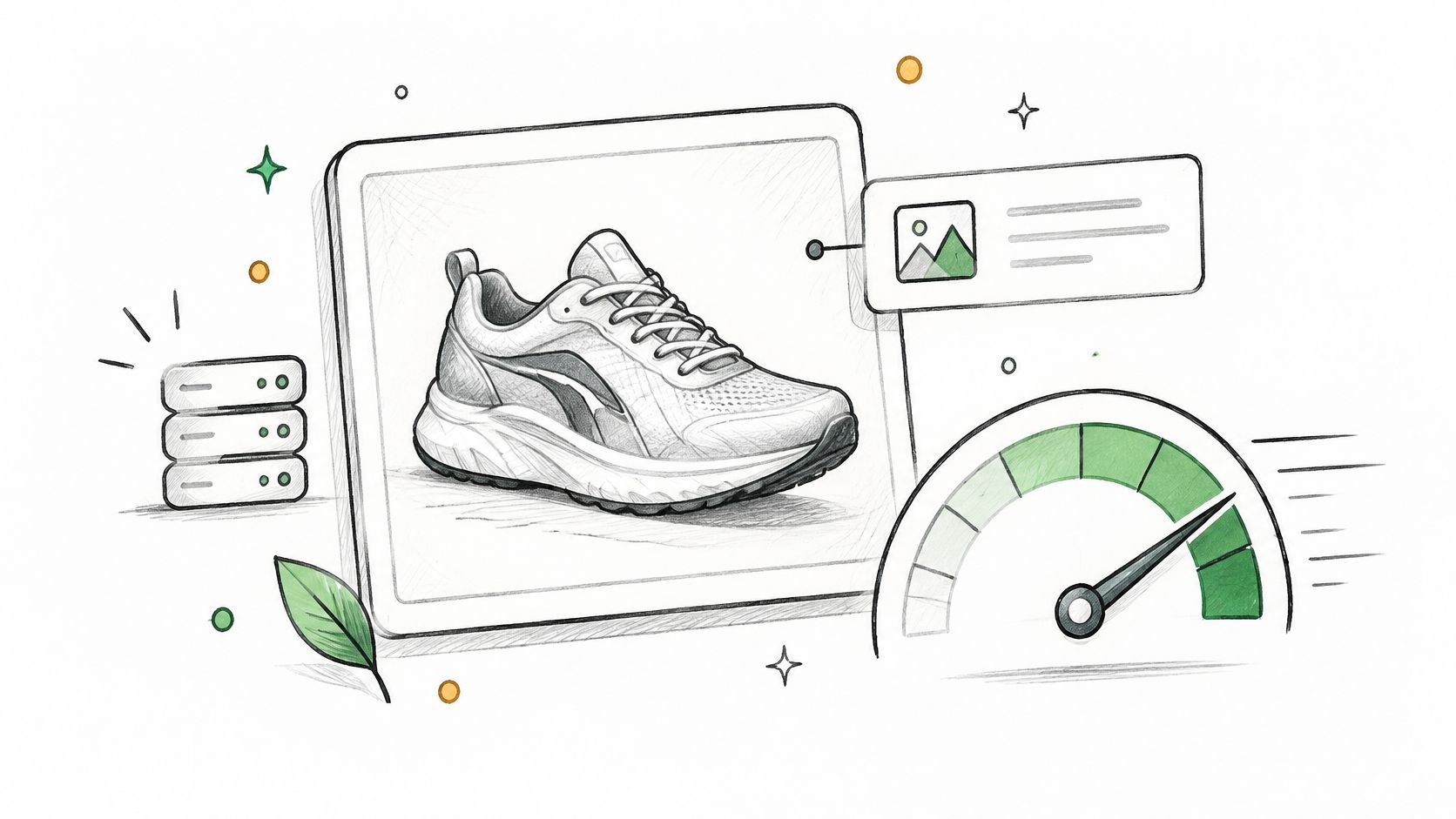
The HTTP Archive technology report evaluates Core Web Vitals at the 75th percentile separately for mobile and desktop, with good Largest Contentful Paint under 2.5 seconds and good Interaction to Next Paint under 200 milliseconds. Cumulative Layout Shift covers the third risk, content jumping as images, fonts, and banners load late. Test representative product, collection, and blog templates in PageSpeed Insights, then confirm with field data in Search Console under Core Web Vitals. Lab scores flatter you. Field data is what shoppers on real devices received.
Images first, then scripts
Rename files before upload, so black-leather-crossbody-bag.jpg replaces a camera filename. Write alt text that describes what's visible, like "Black leather crossbody bag with gold clasp," and leave decorative images with empty alt text so screen readers skip them. Compress oversized hero and product photos, and set explicit image dimensions in the theme so the layout doesn't shift. For a deeper workflow, see this guide to Shopify image SEO for product photos.
Watch this walkthrough before you start removing apps or resizing a whole catalog.
For catalogs with missing alt text at scale, ALT SEO: AI Alt Text Generator generates AI alt text for every product image, processes new images automatically, and can handle an entire image catalog at once. Then remove unused apps under Settings, then Apps, since leftover scripts often hurt INP more than images do. Start with the heaviest script first, and test one template at a time so you can tell which removal helped. Effort: alt text is bulk-friendly, while theme and script cleanup is developer-dependent.
6. Strategic Internal Linking
Most Shopify stores link heavily from navigation and almost nowhere else. A buying guide that earns traffic for "how to choose running shoes" sits unlinked to the collection it should feed, while a new product gets no internal links except its collection grid tile. Google discovers and prioritizes pages partly through these links, and shoppers use them to keep moving instead of bouncing back to search.
Where the valuable links live
Link from high-traffic guides and collections to the product and category pages you most want to rank. Use anchor text that names the destination, so "men's running shoes" points to that collection instead of "shop now" or "click here." From a product page, link out to a care guide, sizing guide, or comparison post that answers the objection stopping the purchase.
- Guides to collections: Link where the reader is deciding, not in a footer dump.
- Products to support content: Care, sizing, and setup guides reduce hesitation and returns.
- New pages: Add links from two or three relevant existing pages at publish time, every time.
- Breadcrumbs: Home to collection to product reinforces your hierarchy on every page.
Run a crawl with a tool like Screaming Frog to find orphaned pages with no internal links, then check Search Console's Links report for your most linked pages. If your top linked page is a shipping policy, your link equity is going to the wrong place.
The pitfall is forcing links into every paragraph with identical anchor text. That reads as manipulation and annoys readers. Effort: low, done in the Shopify rich text editor for products, collections, and blog posts. It's manual judgment work, so it doesn't bulk well, but it compounds. I recommend a standing rule that nothing publishes without its inbound links placed.
7. Search Intent Alignment and Content Depth
A product page ranking attempt fails when the page doesn't answer what the searcher came to decide. Someone searching for a camping tent wants capacity, packed weight, setup time, and weather rating near the buy button. If your page offers a copied manufacturer blurb and a price, Google has little reason to rank it and shoppers have little reason to stay.
Match the page type to the job
The Baymard Institute product page research draws on 25 rounds of qualitative usability testing involving more than 4,400 participant and site sessions, which makes it a solid benchmark for what product pages must expose. Verify each template shows the product name, distinctive specifications, use cases, availability, price, shipping and returns information, reviews, and meaningful image context in content Google can reach.
- Transactional intent: Product pages lead with specs, variants, price, and purchase options.
- Commercial intent: Collections add a short buying guide so shoppers can compare without leaving.
- Informational intent: Guides like "How to Choose a Sleeping Bag" compare temperature ratings, insulation, and sizing directly.
Before writing, read the current top results for your target query and note the format Google rewards. Then mine your own customer service inbox and Search Console queries for the questions your pages don't yet answer, and add those as visible FAQ sections written for buyers.
Don't hide essential attributes behind tabs or accordions that don't render in the initial HTML without checking they're crawlable. Effort: medium, and mostly human judgment. Templates and metafields under Settings, then Custom data can standardize specs across products, but the answers themselves need someone who knows the product.
8. Structured Data (Schema Markup)
Structured data is machine-readable code, usually JSON-LD, that states plainly what your page contains. For ecommerce, that means Product and Offer markup with price, currency, and availability, plus BreadcrumbList and Article where they apply. It can make pages eligible for richer results, but it guarantees nothing, and markup that contradicts the visible page can cost you eligibility.
Consistency beats extra markup
The Google guidance on AI features in Search ties AI visibility to the same foundations as regular search, including crawlable pages, internal linking, and structured data that matches visible content, plus current Merchant Center product information. So the highest-value schema work isn't adding exotic types. It's making sure name, price, availability, variants, images, and shipping details agree across the page, the markup, and your Merchant Center feed.
- Start narrow: Product, Offer, and BreadcrumbList before anything specialized.
- Validate after changes: Run Google's Rich Results Test after every theme or app update.
- Avoid duplication: Two apps outputting competing product schema is a common, silent breakage.
Check your output under Online Store, then Themes, then Edit code only if you're comfortable in Liquid. Most modern themes emit basic product schema already, so your job is verification, not authorship. Keep review counts and prices current, and never mark up content shoppers can't see.
The pitfall is installing a schema app on top of theme schema and a reviews app, producing three conflicting prices. Effort: low to audit, developer-dependent to fix cleanly in theme code.
9. Canonical Tags and Duplicate Content Control
A product in three collections can appear at several collection-scoped URLs, plus filtered and sorted variants with tracking parameters. Without control, Google splits signals across near-identical pages or indexes the wrong version. A canonical tag names the preferred URL, though Google treats it as a strong hint, not an order, so everything else has to agree with it.
Shopify helps by default. Product templates typically canonicalize to the clean /products/ path regardless of which collection the shopper came through. Your job is to avoid breaking that and to catch the cases the platform doesn't settle for you.
The audit that catches most problems
- Templates: View source on a product, collection, and blog page after any theme change and confirm the canonical points where you expect.
- Internal links: Link only to canonical URLs, never to filtered or parameter versions.
- Sitemap: Confirm your sitemap at /sitemap.xml lists canonical URLs only.
- Search Console: Open Pages under Indexing and review "Duplicate without user-selected canonical" and "Alternate page with proper canonical tag."
Since canonical and schema problems often travel together after theme work, pair this check with a review of how to check Shopify product schema and structured data before you call the audit done. Use 301 redirects for pages that permanently moved, and canonicals only for true duplicates that must stay reachable, like filtered views.
The common mistake is canonicalizing filtered collections that deserve to rank for terms like "red running shoes," which throws away a real landing page. Effort: low to audit, medium to fix if a theme or app is rewriting canonicals in code.
How the nine on-page SEO checklist items compare for Shopify stores
The checklist splits by who owns the fix. Titles, meta descriptions, and URL handles are bulk work you can run from the Shopify bulk editor. Heading order, image scripts, schema, and canonicals often sit in theme code or app output. Use the table to decide what to batch first and what to put in a developer ticket.
| Item | Bulk or developer work | Effort | Primary Benefit |
|---|---|---|---|
| Optimized Title Tag | Bulk-friendly, template plus per-product overrides | Low | Improves relevance and search-result clicks |
| Compelling Meta Description | Bulk-friendly, with per-product rewrites | Low | Encourages clicks with a clear value proposition |
| Clean and Descriptive URL Structure | Bulk-friendly handles, redirects need care | Low to medium | Makes pages easier to understand and share |
| Logical Heading Hierarchy (H1 to H3) | Theme or section settings, sometimes developer | Low to medium | Improves content scanning, structure, and accessibility |
| Image Optimization and Core Web Vitals | Bulk alt text, developer for scripts | Medium | Improves accessibility, loading speed, and user experience |
| Strategic Internal Linking | Manual, bulk only with app or template rules | Medium | Helps discovery and directs authority to priority pages |
| Search Intent Alignment and Content Depth | Manual editorial judgment | High | Better matches queries and supports engagement and conversions |
| Structured Data (Schema Markup) | Developer or structured-data app | Medium to high | Can qualify pages for enhanced search results |
| Canonical Tags and Duplicate Content Control | Developer or SEO app, verify templates | Medium | Consolidates ranking signals and controls duplicate URLs |
Bulk work wins on volume. A title or meta description change applies to hundreds of products in one pass, and image alt text is the same: fix the template rule and each new upload can follow it. Developer work wins on risk. A heading tag that looks wrong in the theme editor may come from a section schema, a product-review app, or a metafield, so confirm the output in page source before changing code. Canonicals and schema are the two rows where a bulk edit can create conflicting signals, so audit first and change second.
Ship the Nine Fixes in Priority Order
Open Search Console, sort your product and page URLs by impressions, and pick the template that shows up most often near the top. Fix that template before touching individual products. High-traffic and high-margin pages earn the first pass because title, description, and URL changes are fast, bulk-friendly, and visible in results. Structural work in headings, images, and internal links comes after that, since it shapes how Google and shoppers move through the store. Verification-heavy work, meaning search intent, schema, and canonicals, comes last.
Two foundations sit underneath the checklist. First, mobile is the version that counts. The Google mobile-first indexing announcement confirmed in July 2020 that mobile-first indexing was enabled for most crawled sites and by default for new sites, and it noted the planned universal transition to the end of March 2021. Audit your store as Google's smartphone crawler sees it. Confirm the mobile version carries the same primary content, titles, headings, internal links, images, and structured data as desktop, including app-generated reviews and product details that themes sometimes hide on small screens.
Second, treat this as a recurring system, not a one-off project. The Google Search documentation updates page records changes such as FAQ rich results no longer being shown and llms.txt being neither required nor a ranking advantage. Separate durable fundamentals, crawl access, useful text content, page experience, and accurate structured data, from volatile features like rich result formats. When a feature is retired, delete the obsolete work and spend that time on original product evidence and accurate catalog data.
Make revalidation a habit tied to change, not the calendar alone. Every theme update, app install, or catalog restructure should trigger a fresh check of canonicals, indexability, rendered product details, and schema against visible content. Stores in regulated or trust-sensitive niches, including teams using search visibility support for health startups, should be strict about claims matching across pages, markup, and feeds.
For the next step, export your product and page list from Shopify under Products, then Export, sort by traffic from Search Console, and audit a sample of each template type against the checklist before touching the whole catalog. Fix template-level problems once, then roll content fixes out in bulk. For large catalogs, ALT SEO handles missing image alt text and RANKit generates SEO titles and meta descriptions in bulk, which is why those two fixes are usually the quickest win when alt text and meta tags are weak. Track impressions, clicks, and Core Web Vitals weekly after each batch, and only move to the next item when the current one holds.
If your catalog is too large to fix titles, descriptions, and alt text by hand, explore the apps and practical Shopify SEO guides at Yassine Malti, and start with the bulk fixes at the top of this checklist this week.
Shopify apps by Yassine Malti
Put this into practice
-

ALT SEO · Image alt text
AI alt text for every product image · 100 images/month free
-

RANKit · Meta titles & descriptions
AI meta titles and descriptions, sized for Google · 50 meta tags/month free
-

LLMs TXT · llms.txt for AI tools
A short llms.txt of your real store links · Free