You open a product page that should be selling and the problems stack up fast. The supplier photo is small and blurry, the background changes from image to image, there's no useful tag for search or filtering, and the meta title is just the product name copied again. Multiply that by a few hundred products and manual fixing stops being realistic.
That's the practical case for Shopify AI apps. Not a general chatbot bolted onto your store, but narrow tools that change one part of the product page at scale. Below are five apps sorted by that job, covering images, video, backgrounds, product tags, and meta tags. Each entry covers what changes, where you'll still need human review, a sensible first workflow, and the one KPI worth checking after install. If you're comparing broader options first, this overview of AI tools for your Shopify store gives useful context before you commit to a stack.
Table of Contents
- 1. PROMPTit AI Bulk Images Editor for Shopify
- 2. VEOit AI Bulk Videos Generator for Shopify
- 3. REMOVEit AI Background Remover for Shopify
- 4. TAGit AI Product Tag Generator for Shopify
- 5. RANKit AI Meta Tags Generator for Shopify
- How the five Shopify AI apps compare by core job, best fit, automation, and input
- Choosing Your First Shopify AI App Without Overbuilding
1. PROMPTit AI Bulk Images Editor for Shopify
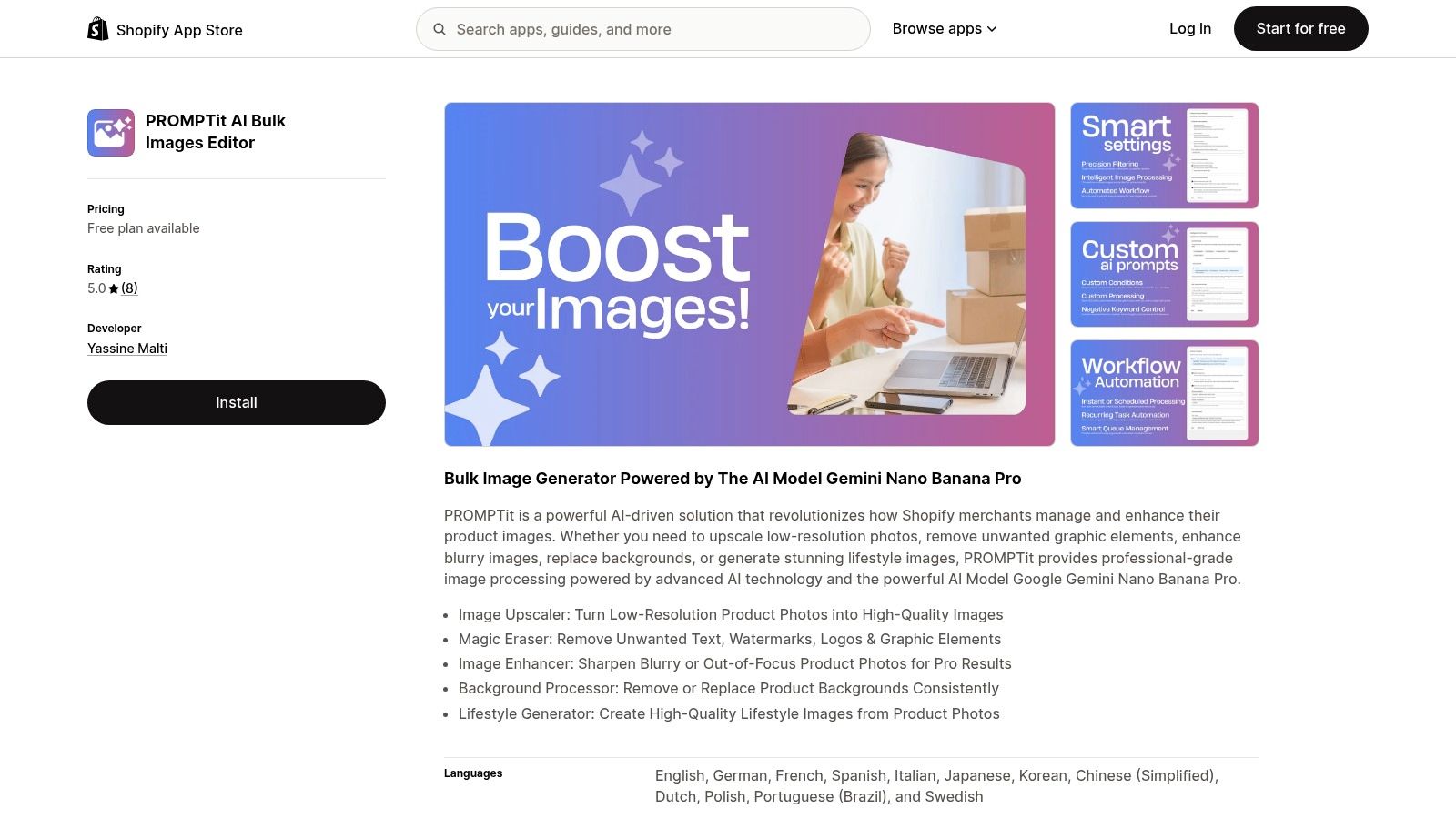
Start with the image itself, because a weak photo limits everything downstream. PROMPTit AI Bulk Images Editor for Shopify is a bulk image generator powered by Google Gemini Nano Banana Pro, built to upscale low-resolution photos, remove unwanted graphic elements, enhance blurry images, replace backgrounds, and generate lifestyle images. It provides five AI image tools for product photos, so you're choosing a specific edit rather than running one vague enhance button across the catalog.
That distinction matters in daily use. Image Upscaler suits supplier files that look soft on large screens. Magic Eraser removes text, watermarks, logos, and other graphic elements you don't want carried into your store. Image Enhancer sharpens blurry or out-of-focus shots, while Background Processor removes or replaces backgrounds consistently and Lifestyle Generator creates lifestyle images from standard product photos.
Where PROMPTit Saves Time and Where It Doesn't
The saving is obvious on repetitive cleanup. Instead of opening products one by one in an editor, you select a set, choose the tool, and process in bulk. For a store importing products from multiple suppliers, that turns a weekend of resizing and erasing into a review queue.
It doesn't replace your judgement. Upscaling can't invent true detail that was never captured, and a lifestyle scene can drift from how a product looks in colour, scale, or texture. I'd review every generated lifestyle image before publishing, and I'd be stricter still on products where fit, finish, or ingredients drive returns.
- Best first batch: Pick your top sellers with visibly soft or cluttered images, not your whole catalog on day one.
- Keep originals safe: Work within the scope you choose, the products or images to process and whether existing values can be overwritten.
- Check edges and text: Zoom in on labels, stitching, and reflective surfaces after enhancement or erasing.
This kind of scoped workflow fits how Shopify itself framed AI. Shopify described Shopify Magic as a suite of AI-enabled features and Sidekick as a conversational assistant in its Summer '23 Edition announcement, with tools aimed at practical merchant workflows rather than open-ended experimentation. PROMPTit follows that same logic, applied to images.
A Sample Workflow and the KPI to Watch
Say a homeware store imports 120 products with small supplier photos. Run Image Upscaler first, then Magic Eraser only on images with visible text or logos, then generate lifestyle versions for the 20 products you plan to feature. Publish the cleaned pack shots everywhere, but hold lifestyle images for manual approval. This approach matches the staged process in a Shopify product image workflow for faster, more consistent catalog updates, where consistency comes before creative extras.
Practical rule: Fix clarity and consistency across the catalog first. Add lifestyle imagery only where it helps a shopper judge scale or use.
Track product page conversion rate on the edited set against a similar unedited set over the same traffic period. Also watch image-related support questions and returns. If clicks rise but returns rise with them, your images may look better while describing the product worse.
2. VEOit AI Bulk Videos Generator for Shopify
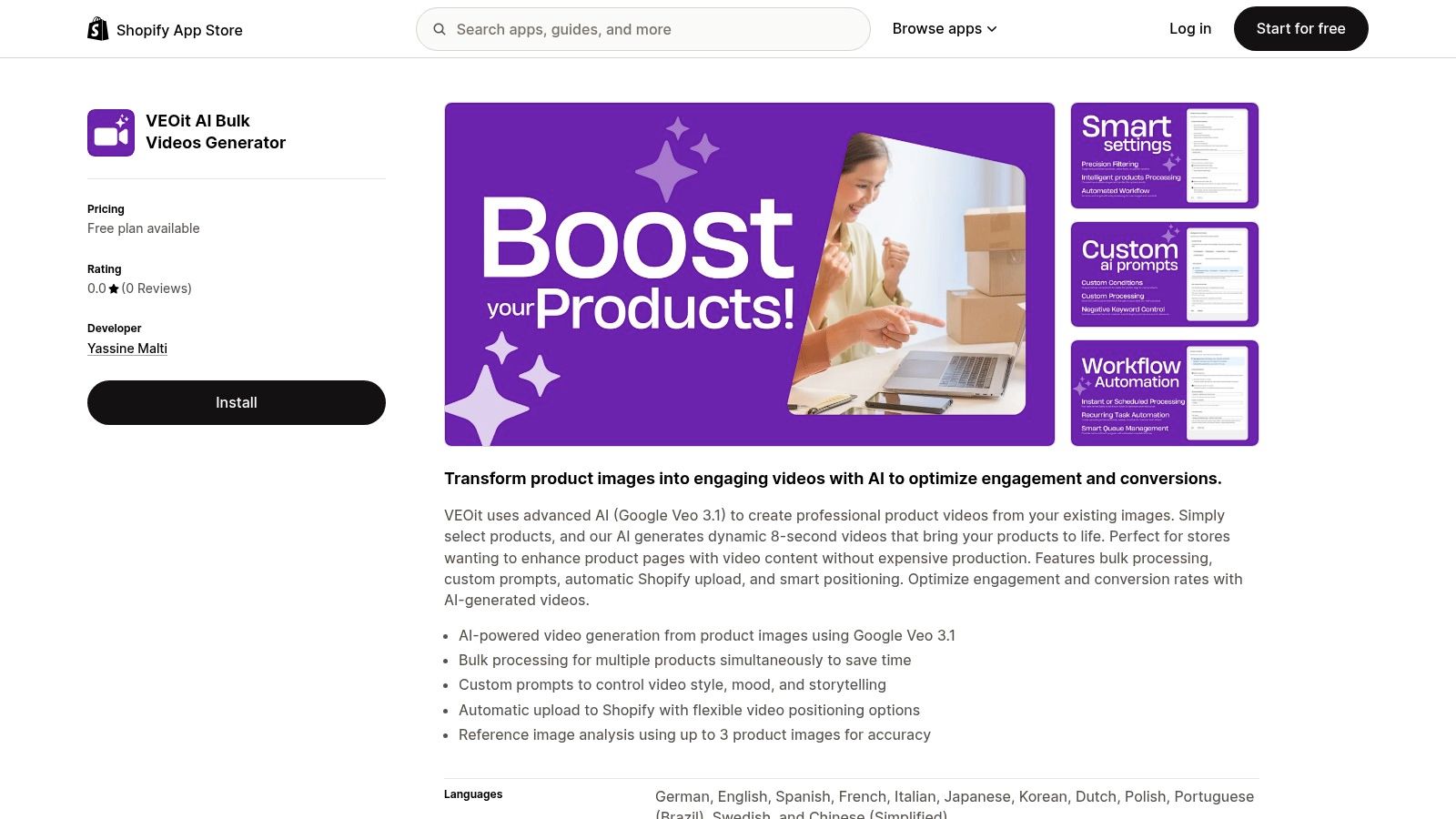
A still photo shows what a product looks like; a short clip can show how fabric drapes or a lid opens. VEOit AI Bulk Videos Generator for Shopify turns existing product images into 8-second videos using Google Veo 3.1, without requiring a new shoot.
Select products, write prompts to set the style and mood, then let the app process clips in bulk and upload them to Shopify with flexible positioning. It can use up to 3 product images as references. Multiple angles give the model more visual detail to work from than a single front-facing shot.
What Works Well in Practice
Keep the movement simple: a slow rotation, gentle zoom, or slight fabric movement can help shoppers assess a product. For fashion, an ai video generator for clothing brand can create motion focused on drape and fit.
Bulk generation makes it practical to try video across a larger catalog using images already on hand. For a store with 300 SKUs and one photographer, generating clips from existing photos offers a way to expand video coverage without arranging a shoot for every product.
Motion can introduce errors. Hands, text, closures, and fine patterns may warp, and an 8-second clip cannot explain sizing, assembly, or care. Use video as an engagement layer alongside clear product photos and a complete description.
How I'd Roll It Out
Choose products with steady traffic but weak add-to-cart rates. Where available, provide three reference images: front, side, and detail. Start with plain prompts for a slow turn on a clean background, then review each clip full screen on mobile, where small distortions are easier to spot.
If a video makes the product look smoother, larger, or more premium than it is, don't publish it. Movement should represent the item accurately.
Track add-to-cart rate on pages with video against their earlier performance, accounting for changes in traffic source where possible. Use time on page as a secondary measure, not a success metric by itself. Shopify's 2025 global holiday retail report found that 64% of shoppers planned to use AI tools for holiday-shopping inspiration. For shoppers arriving through AI recommendations, accurate on-page visuals still matter.
3. REMOVEit AI Background Remover for Shopify
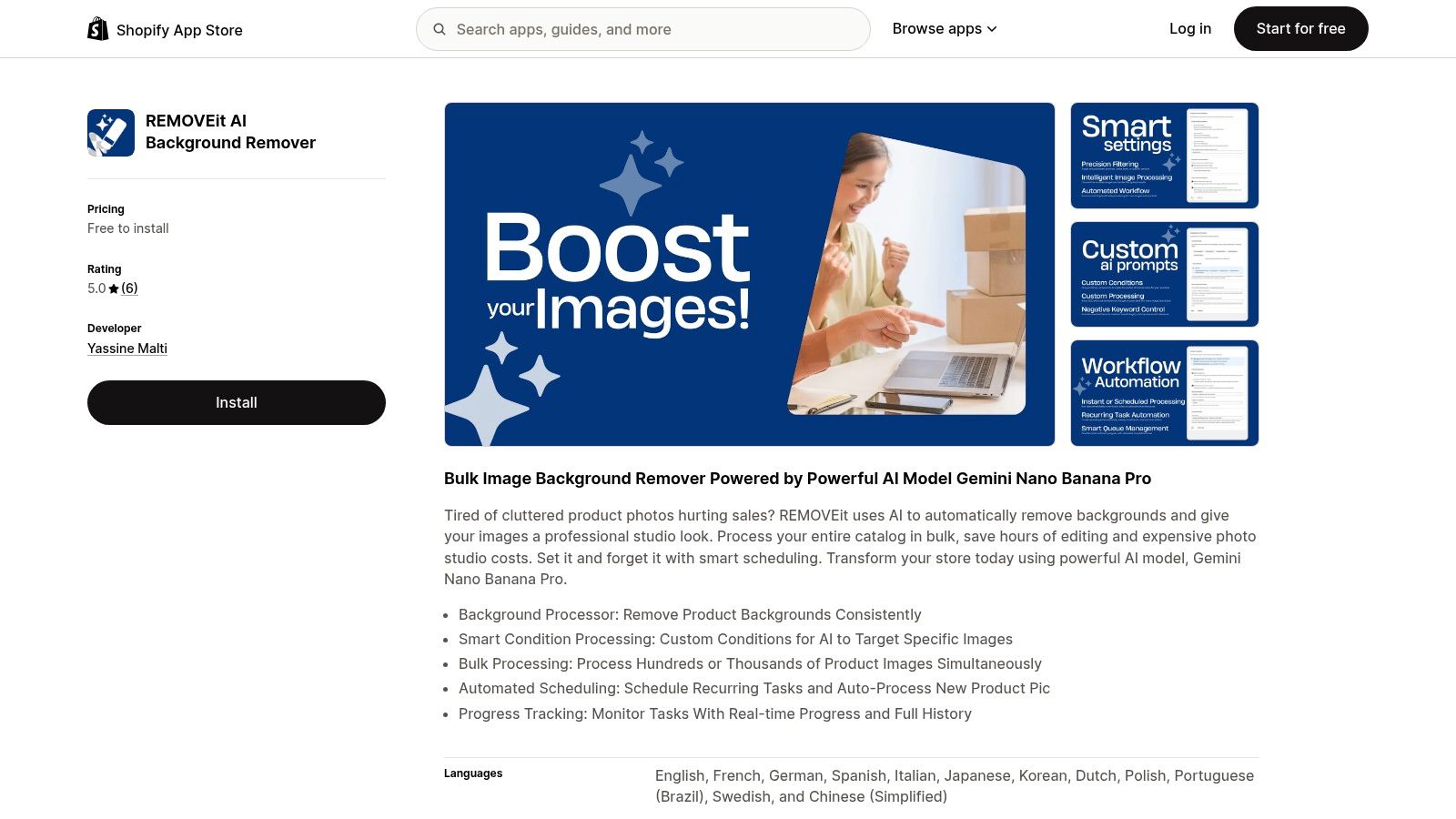
Inconsistent backgrounds make a collection page look assembled from different stores. One product sits on white, the next on a kitchen counter, the next in supplier packaging. REMOVEit AI Background Remover for Shopify handles that single job in bulk, removing backgrounds with Gemini Nano Banana Pro so images read as a cleaner studio set.
PROMPTit is the broader editor. REMOVEit is the maintenance tool, and its strength is repetition. It offers bulk processing for large catalogs, smart condition processing to target specific images, automated scheduling for recurring tasks and new product pictures, and progress tracking with real-time status and full history.
Why Scheduling Matters More Than the First Cleanup
A one-off cleanup holds for about a month. Then new products arrive with the same messy backgrounds, and the collection drifts again. Scheduling closes that gap: you set conditions for which images get processed, let new products run through automatically, and check the history when something looks off.
That automation needs guardrails. Background removal struggles with transparent glass, white products on white backgrounds, loose hair or fur, and thin straps or cords. Those edges need spot checks, especially on the main product image, which carries the click decision in search results and collection grids.
- Target by condition: Process newly added products or a named collection first, instead of re-running images that are already clean.
- Review high-risk edges: Check glass, jewellery chains, light fabrics, and reflective packaging at full size.
- Keep one standard: Decide on white, transparent, or a brand background and apply it everywhere, or consistency is lost.
A Sample Workflow and the KPI to Watch
A pet supplies store adds products weekly from three suppliers, so the bestseller collection needs a one-time pass and a standing rule for new arrivals. Process that collection in bulk, review edge cases, then schedule recurring processing for products that come in later. Within a few upload cycles, the grid looks uniform without anyone opening an editor.
I would not schedule the whole catalog on day one. A bad first pass on glass or fur gets copied onto every new upload until someone notices.
Track collection page click-through rate to product pages. Cleaner, consistent thumbnails should make scanning easier and clicks more confident. If clicks do not change, the constraint is probably price, title clarity, or the product photography itself, not the background.
That narrow job matches how merchants use AI. Shopify's survey, reported in its guide to AI for small business, found that 75% of 500 established Shopify merchants across six countries reported using AI tools, and 55% of AI-using merchants identified time savings on repetitive tasks as a primary benefit. Background removal on a schedule is that kind of repetitive task, which is why it earns a place as a standalone app rather than a feature you remember to run.
4. TAGit AI Product Tag Generator for Shopify
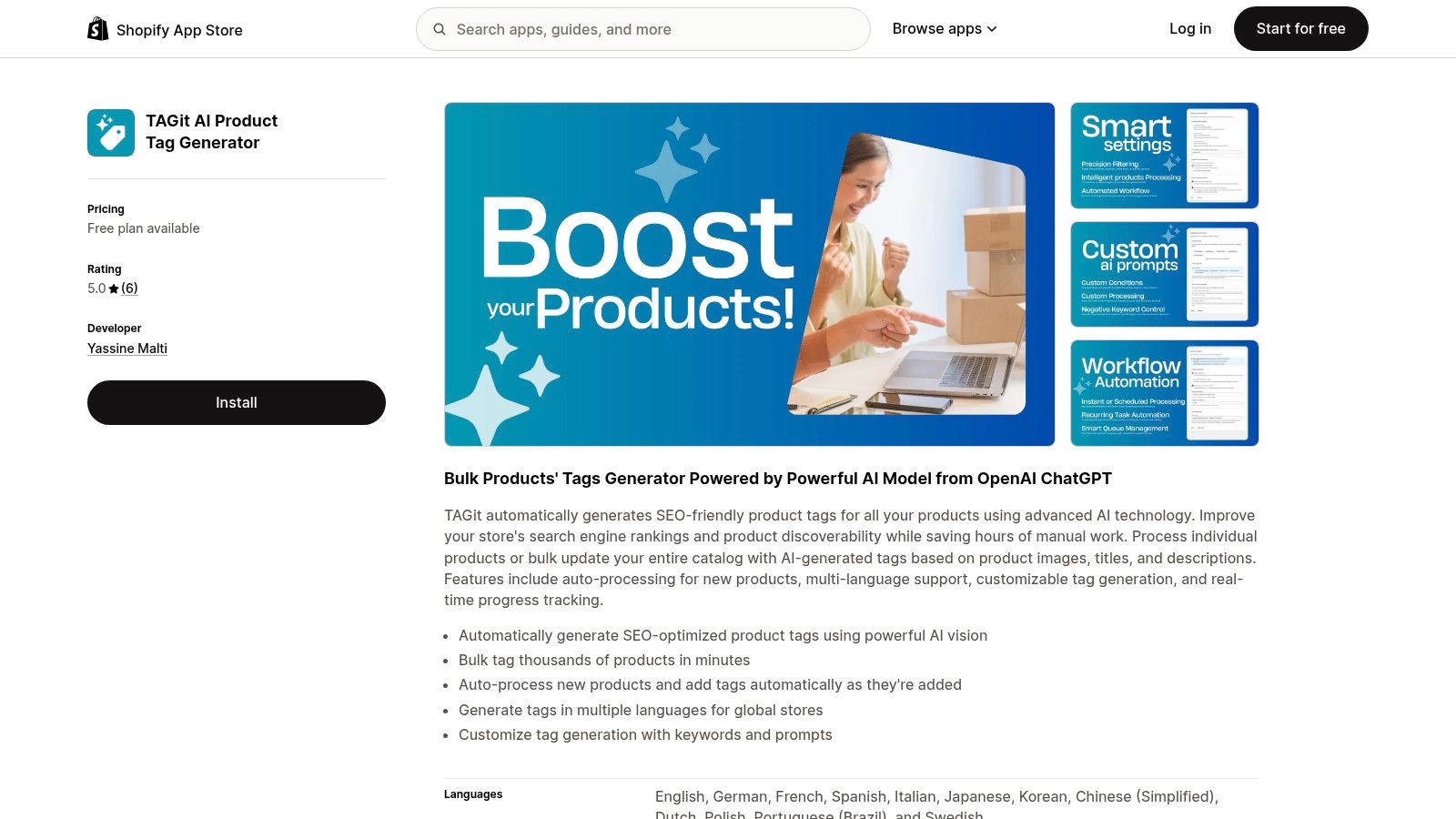
Tags don't look like much in the admin, but they drive filtering, automated collections, internal search, and parts of your merchandising logic. When tags are missing or inconsistent, good products become hard to find inside your own store. TAGit AI Product Tag Generator for Shopify generates tags in bulk using an OpenAI ChatGPT model, based on product images, titles, and descriptions.
It can process individual products or the full catalog, auto-process new products as they're added, generate tags in multiple languages, and let you customise generation with keywords and prompts. Real-time progress tracking helps on large runs, because you can see what's done instead of guessing.
The Trade-Off You Need to Manage
Speed is easy. Control is the hard part. AI tagging left unchecked creates near-duplicates, such as tee, t-shirt, and tshirt as separate tags, plus vague terms that pollute filters. That risk is exactly why how to use Shopify product tags without creating SEO problems stresses a defined tag vocabulary before you automate anything.
My recommendation is to treat TAGit as a drafting engine inside your rules. Give it your keyword prompts, run a collection, then audit the output for duplicates, plurals, and terms no shopper would filter by. Fix the prompt, not just the individual tags, so the next bulk run inherits the correction.
Before any bulk run: Write down the tag patterns you allow for material, use case, audience, and season. Automation without a vocabulary creates cleanup work later.
Content generation is where merchant demand already sits. Shopify reported in AI tools for business that in 2024, 50% of Shopify merchants surveyed said they planned to use AI tools for content generation, from a survey of 13,337 merchants across nine countries. Tags are unglamorous content, but they're content your store structure depends on.
A Sample Workflow and the KPI to Watch
Take one collection with messy filters. Export its current tags as your baseline, generate new tags for products with missing coverage, and review before applying to the rest. Then turn on auto-processing for new products so the gap doesn't reopen.
Track internal search success, meaning searches that lead to a product click, alongside filter usage on collection pages. Also count how many products sit outside any automated collection because of missing tags. That number should fall quickly if the app is doing its job. If tag count rises but filter clicks don't, you've generated volume, not discoverability.
5. RANKit AI Meta Tags Generator for Shopify
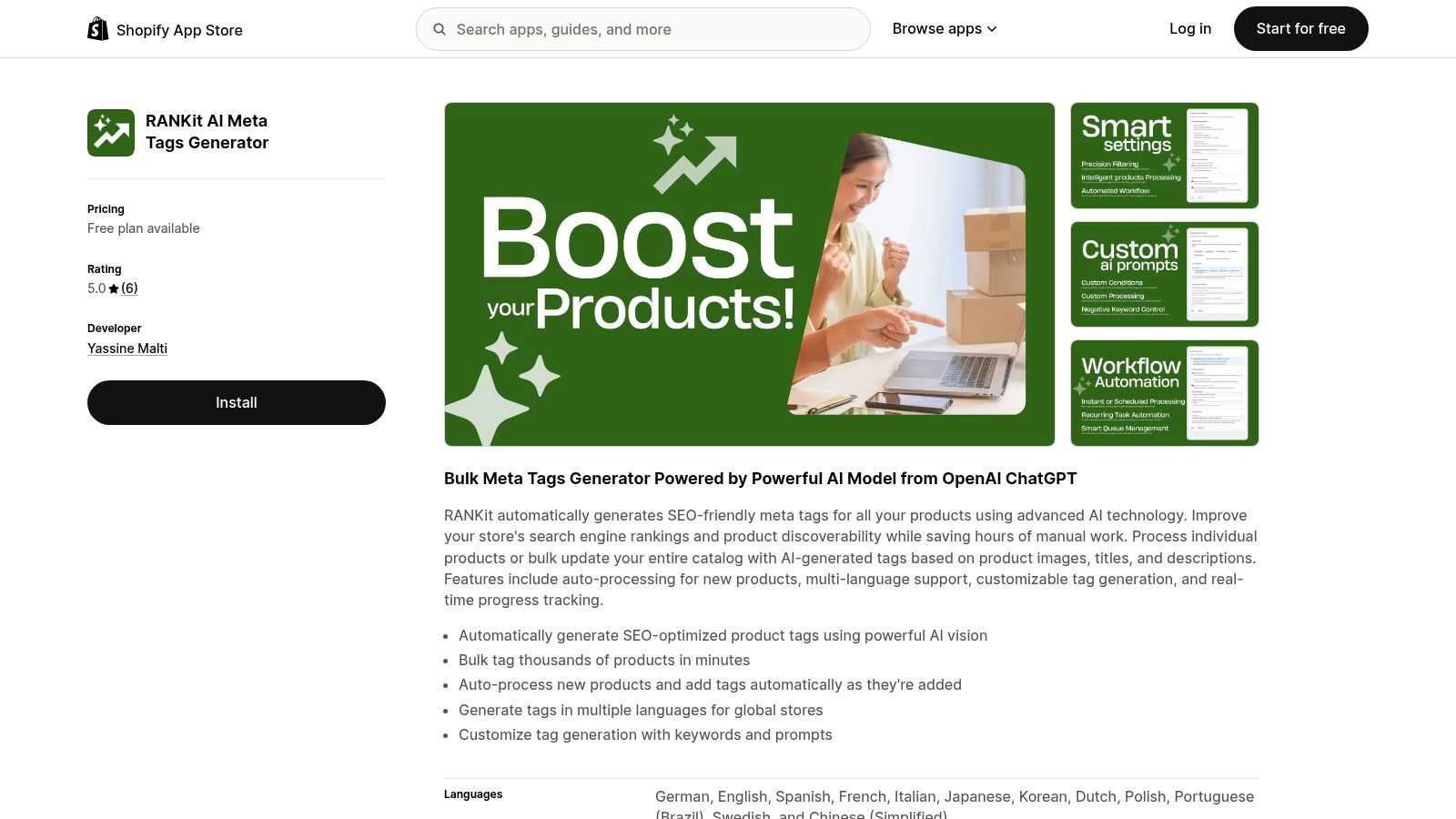
Meta titles and descriptions are the part of the product page shoppers see before they reach it. In search results, a duplicated or empty meta description wastes the one chance to earn the click. RANKit AI Meta Tags Generator for Shopify generates SEO-friendly meta tags in bulk with an OpenAI ChatGPT model, using product images, titles, and descriptions.
Like TAGit, it supports individual or bulk processing, auto-processing for new products, multi-language support, customisable generation with keywords and prompts, and real-time progress tracking. The shared pattern is deliberate. Both apps fix fields that merchants neglect because writing them one by one never survives a busy week.
What Good Bulk Metadata Looks Like
Good output isn't just filled fields. Each meta title needs the product's distinguishing detail, material, size, use case, or audience, in natural language a shopper would search. Each description needs a reason to click that matches what's on the page. If every description promises premium quality and fast shipping, you've replaced missing metadata with interchangeable metadata.
That's why the prompt work matters more than the run button. The method in how to optimize Shopify meta titles and descriptions at scale comes down to templates with real product attributes, then review of a sample before scaling. I'd generate for 30 products, read every line, tighten the prompt, and only then process a full collection.
Accuracy is the other limit. AI working from images and short descriptions can state a material, capacity, or compatibility that isn't true. In metadata, that error sits in search results where you may not notice it for weeks. Human approval before publishing isn't bureaucracy here. It's how you keep discoverability from turning into returns and support tickets.
A Sample Workflow and the KPI to Watch
Start with products that already get impressions in Google Search Console but have low click-through rates. Regenerate their meta tags, review each one, and leave matched products unchanged as your control group. Give it enough time for reindexing before you judge the result.
Track organic click-through rate and impressions for the edited set. Clicks are the point, since rankings move for reasons outside your metadata. This matters more as discovery shifts, because Adobe reported in its analysis of generative AI referral traffic that 39% of surveyed consumers were already using generative AI for online shopping in February 2025. Accurate, specific product facts give both search engines and AI assistants something correct to surface. You can read more on how Shopify frames this shift in its overview of AI in ecommerce, where 29% of non-AI users said they did not know where to start, a gap a single-purpose app like this directly addresses.
How the five Shopify AI apps compare by core job, best fit, automation, and input
The five apps change different parts of a product page. Compare the page element each touches, the work it automates, and the metric that can show whether the change helped.
| App | Page element changed | Automation | Main limit | KPI to check after install |
|---|---|---|---|---|
| PROMPTit AI Bulk Images Editor for Shopify | Product images | Bulk image editing and generation | Review generated images for accuracy and consistency before publishing | Product-page conversion rate |
| VEOit AI Bulk Videos Generator for Shopify | Product videos | Bulk video generation and Shopify upload | Results depend on the source images and prompts | Conversion rate on pages with video |
| REMOVEit AI Background Remover for Shopify | Product images | Bulk processing, scheduled tasks, and new-image processing | Background removal does not fix poor lighting or product framing | Conversion rate on pages with processed images |
| TAGit AI Product Tag Generator for Shopify | Product tags | Bulk tagging and automatic processing of new products | Generated tags still need to match the store's collection and filtering structure | Product discovery through store search or filters |
| RANKit AI Meta Tags Generator for Shopify | Search-result titles and descriptions | Bulk generation and automatic processing of new products | Metadata cannot compensate for inaccurate product details | Organic click-through rate |
Choosing Your First Shopify AI App Without Overbuilding
Don't install all five on the same afternoon. Pick the gap that costs you most. If shoppers reach your pages but don't buy, start with images or video. If they can't find products through search, filters, or Google, start with tags or meta tags. If new products keep breaking your visual consistency, start with scheduled background removal.
Then run one controlled test. Note your baseline, process a defined set of products, and track one KPI for four weeks before adding another app. That discipline matters in a crowded market. A 2026 empirical study in the ACM Digital Library analysed 24,826 applications and found annual app creation rose from 203 applications in 2015 to 4,106 in 2024, so choice isn't your problem. Knowing whether an app earned its place is.
Keep the commercial side simple too. Our apps are installed from the Shopify App Store and billed separately, so you pay only for the apps you use. Every Yassine Malti app has a free plan, and $100 in free AI credits works across the apps, so you can test on real products first before paying. Shopify reported more than 16,000 apps available in the Shopify App Store as of December 31, 2024, in figures compiled at the Shopify app count dataset, which is another reason to validate one tool at a time rather than stack subscriptions.
Where an off-the-shelf app doesn't fit your workflow, we build custom Shopify apps and automations for brands, agencies, and SaaS companies, and we can also fix an existing app. If you're still mapping your wider stack, Quikly's guide to Shopify apps is a sensible companion read. Start narrow, measure carefully, and keep only what moves a number you care about.
If one of these gaps matches your store, install the relevant app on its free plan, run it on a small set of real products, and check the KPI that matters before you scale. For custom Shopify apps, automations, or a fix to an app you already rely on, visit Yassine Malti and tell us what your catalog needs next.
Shopify apps by Yassine Malti
Put this into practice
-

PROMPTit · AI photo editing
Five AI image tools for your product photos · 5 images/month free
-

TAGit · Product tags
SEO-friendly product tags, generated in bulk · 50 tags/month free
-

REMOVEit · Background removal
Clean, consistent product backgrounds in bulk · 5 images/month free