You open your Shopify catalog and find the same problems everywhere: product images with empty alt text, and product pages sharing a generic SEO title and description. Your team uploaded products to get them live, copied a template, and moved on. Now fixing each field manually looks like another project you can't finish.
For most stores, our image-description and product-metadata apps offer the quickest SEO win because these gaps are common and easy to fix in bulk. That means faster implementation, not guaranteed rankings. The best on page SEO tools for this job should correct missing information without replacing accurate copy with repetitive AI text.
Start with the image pass, then improve product metadata. These are complementary tools from our own catalog, not competing all-in-one SEO platforms.
Table of Contents
- 1. ALT SEO: AI Alt Text Generator
- 2. RANKit AI Meta Tags Generator for Shopify
- ALT SEO and RANKit at a glance
- Building a Bulk-First On Page Workflow That Holds Up Over Time
1. ALT SEO: AI Alt Text Generator
Choose our image-description app first if your product photography has missing, generic, or inaccurate alt text. It generates descriptions for product images, supports bulk processing, and can process new images automatically.
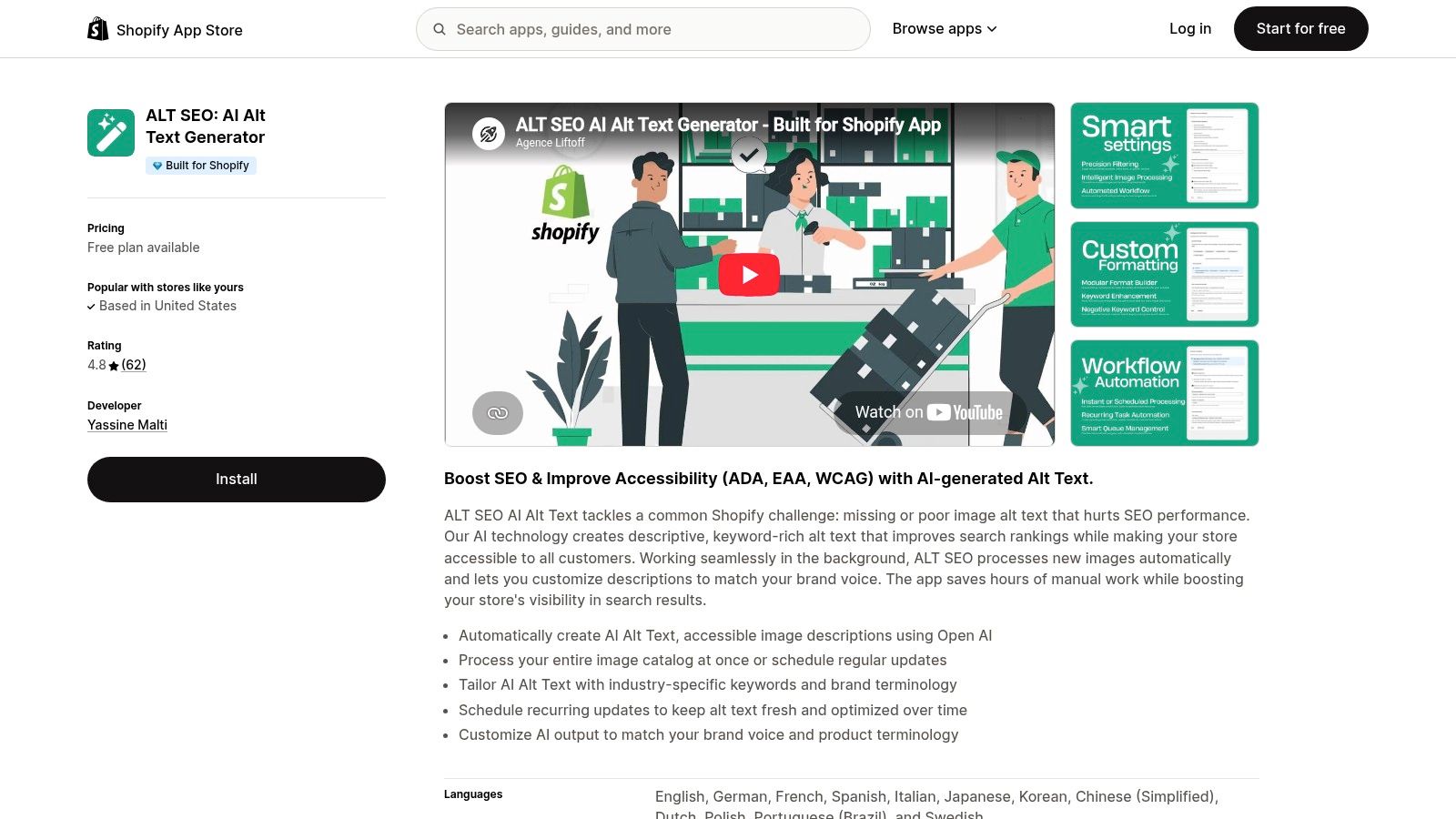
The practical advantage is narrow scope. You're fixing an image-level field across your catalog rather than buying a large reporting platform and still having to implement its recommendations yourself.
What It Fixes and What It Doesn't
Alt text should explain what an image communicates to someone who can't see it. For product photography, that usually means identifying the product and the visible details that distinguish that particular image.
Say you sell a green canvas backpack. The front view should describe the backpack's visible shape and front pocket; a detail photograph should describe the buckle or stitching, not repeat the front-view description.
Our app lets you tailor generation with industry-specific keywords, brand terminology, and voice preferences. Use those controls to improve accuracy, not to force a sales pitch into every image description.
- Product terminology helps distinguish a crossbody bag from a shoulder bag.
- Visible attributes keep descriptions tied to the actual image.
- Brand vocabulary maintains consistent naming across related products.
- Excluded claims prevent unsupported language about materials, certifications, or performance.
Practical rule: If a detail isn't visible or supported by reliable product information, don't let generated alt text present it as fact.
The app supports accessibility work, but generated alt text isn't an accessibility compliance certificate. You still need to review image purpose, decorative images, theme behavior, navigation, and other storefront elements.
What the Free Allowance Covers
Our free plan includes 100 images per month. That allowance counts images, not products, so products with several photographs consume more capacity than products with a single photograph.
Use the free allowance to test representative photography before processing the full catalog. Include clean studio shots, lifestyle images, close-ups, packaging, and visually similar variants so you can identify where your instructions need work.
Our paid image allowances are:
- Starter includes 1,000 images per month.
- Professional includes 3,000 images per month.
- Enterprise includes 12,000 images per month.
- Pay-as-you-go costs $1 per 50 images.
Choose capacity based on your image backlog and incoming photography, not your product count alone. A store that frequently adds alternate views has a different workload from a store that rarely changes its catalog.
Don't use the entire free allowance on nearly identical photographs. You'll learn more by testing different image types and reviewing whether the descriptions identify the right product, distinguish the view, and avoid invented details.
How to Run the Bulk Image Pass
Start by exporting or recording existing alt text so you can distinguish intentional descriptions from missing fields. Separate blank descriptions, weak descriptions, and accurate existing work instead of treating every image as a rewrite candidate.
Next, define your terminology before generation. Give the app clear product names and useful category language, then review outputs against the photographs rather than judging them only as standalone sentences.
Our guide to writing SEO-friendly alt text for Shopify product images can help you establish that editorial standard. Keep descriptions useful to shoppers first, with relevant search language included only when it fits naturally.
- Check product identity against the actual photograph and variant.
- Check image purpose so detail shots describe the detail rather than the entire product.
- Remove repetition when descriptions repeat promotional phrases.
- Correct unsupported details such as guessed fabric composition or manufacturing origin.
Once the output is dependable, process the broader image catalog. Enable automatic processing for new images, or schedule recurring updates around your merchandising workflow.
Schedule maintenance for new or changed photography. Don't repeatedly rewrite accurate descriptions just to make them look fresh.
The Limits Store Owners Should Understand
This is an alt-text production tool, not an image-compression tool or a technical SEO audit. Adding descriptions won't reduce oversized image files, repair a slow theme, or correct a product page that search engines can't index.
For performance problems, use separate diagnostics. Google's Core Web Vitals guidance recommends evaluating real-user experience and using Search Console to identify poorly performing page groups, which is useful when Shopify products share the same template.
The recommendation: start here when missing image descriptions are your biggest catalog gap. Its bulk processing and automatic handling of new images make it useful for both clearing a backlog and preventing the same problem from returning.
2. RANKit AI Meta Tags Generator for Shopify
A product title such as Everyday Collection | Your Store tells a searcher little about the product. A generic description beneath it wastes the second chance to explain why that page deserves the click. When that pattern repeats across hundreds of listings, you have a metadata problem, not a writing problem.
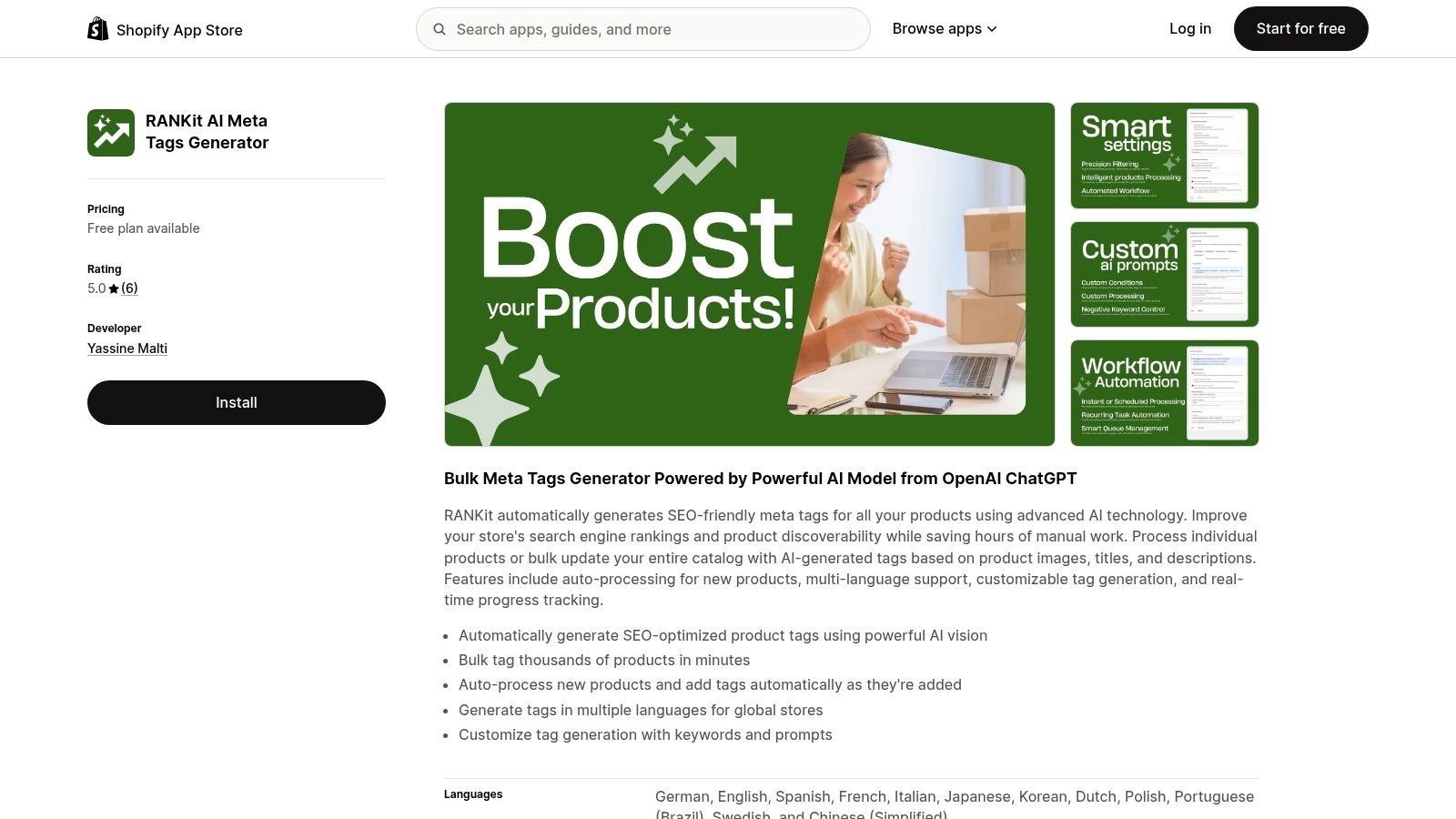
RANKit is built for that gap. It generates AI meta titles and descriptions sized for Google, which means the output respects the display limits that decide whether your carefully written title gets seen in full or cut off mid-sentence.
Understand the Unit Before Choosing a Plan
In this app, one meta tag means the SEO title and meta description for one product. It doesn't mean a Shopify organizational tag, an image description, or structured-data markup.
The free plan includes 50 meta tags, enough to evaluate title-and-description pairs across a real slice of your catalog. Spend the allowance on different categories and on products with thin source information, not only on your best-written listings. A test that includes weak source data tells you far more than one that only confirms the easy cases.
Paid allowances run 300 meta tags on Starter, 1,000 on Professional, and 4,000 on Enterprise. Pay-as-you-go costs $1 per 15 meta tags.
That makes the planning unit different from the image tool's. Count the product pages needing metadata work, then check whether their underlying product information is ready for generation.
A metadata generator can rewrite a vague product description. It can't reliably recover specifications you never supplied.
Before running a batch, correct missing product types, variant details, and factual selling points. Otherwise you publish polished versions of the same weak information across the catalog.
Build Metadata Around the Product and Buyer
Use the title to establish what the product is and its meaningful distinguishing attribute. Use the description to explain relevant details and give shoppers a clear reason to open that page.
For a canvas backpack, useful inputs include its product name, color, verified material, and intended use. Don't ask the generator to add waterproofing, sustainability claims, or delivery promises your product information can't support. A title that oversells produces clicks that bounce, and a description copied across forty similar listings produces nothing at all.
Define the rules before you generate:
- The main product term shoppers would use to identify the item.
- The distinguishing detail that separates it from similar listings.
- The brand convention for including your store or collection name.
- The factual boundaries that exclude unsupported claims and temporary offers.
The guide to optimizing Shopify meta titles and descriptions at scale shows how to turn those decisions into consistent catalog rules. Set them before bulk generation, not after you've produced another set of near-duplicate descriptions.
If your catalog serves more than one market, review each market's terminology on its own. A translated product name can be grammatically correct and still unfamiliar to the shoppers you want to reach.
Publish in Batches and Measure the Result
Begin with a group of products that share a clear category and reliable source information. Review generated titles side by side so repeated wording becomes obvious, then compare each description with the live product page.
Keep a record of the changed URLs and publication date. Preserve strong existing metadata rather than replacing it because generation is available.
Measure impressions, clicks, add-to-cart behavior, and revenue from organic visits. Compare changed pages with similar unchanged pages, and account for promotions, stock availability, and seasonal demand before crediting the metadata edits.
Google's guidance on succeeding in AI search emphasizes the value of visits rather than clicks alone. Apply that principle here: more traffic isn't a useful outcome if the copy attracts shoppers who expected a different product.
Finishing a batch isn't proof of SEO improvement. Your search and commerce reporting must supply that evidence.
Know When Metadata Isn't the Priority
Don't start a large metadata project while important product pages have indexing barriers or conflicting canonical signals. Better wording can't compensate for a page that isn't eligible to appear.
You also don't need a special AI-search setting to make ordinary product metadata worthwhile. Google's AI features guidance states that no special schema.org markup is required for AI Overviews or AI Mode; pages need to be indexable and eligible for a normal search snippet.
Structured data is a separate implementation task. If you're evaluating that layer, compare the best schema markup generators rather than expecting a metadata generator to repair Product markup.
For most catalogs, this is the second fix in the sequence: run it once the image pass is done and generic titles still dominate your search listings. The exception is a store whose alt text is already accurate. There, weak metadata is the bigger gap, so this app goes first.
ALT SEO and RANKit at a glance
The two apps cover the gaps most Shopify catalogs share: missing image alt text and weak product meta tags.
| Tool | Free plan | Paid tiers (per month) | Pay-as-you-go | Core output | Best for |
|---|---|---|---|---|---|
| ALT SEO: AI Alt Text Generator | 100 images | 1,000 Starter, 3,000 Professional, 12,000 Enterprise | $1 per 50 images | AI alt text for every product image | Catalogs where product images lack alt text |
| RANKit AI Meta Tags Generator for Shopify | 50 meta tags | 300 Starter, 1,000 Professional, 4,000 Enterprise | $1 per 15 meta tags | AI meta titles and descriptions sized for Google | Product pages with generic or missing titles and descriptions |
One RANKit meta tag covers a product's SEO title and meta description together, so the free 50 tags translate to 50 products. ALT SEO counts per image, and it can process new images automatically, which keeps the free allowance useful for stores adding products gradually.
Pick by gap, not by preference. If your images lack alt text, start with ALT SEO. If your alt text is already accurate and titles are generic, RANKit earns the first run.
Building a Bulk-First On Page Workflow That Holds Up Over Time
Audit before you generate. Record how many product images lack alt text, how many products carry duplicate or default meta titles, and which existing fields are worth preserving. Confirm your priority pages can be indexed before changing anything.
For a catalog with both gaps, run the alt-text pass first and the product-metadata pass second. Alt text is the quicker win, and the image queue gives your team a contained first batch before they move into search intent and product positioning.
Both free plans are large enough to validate one full category. ALT SEO covers 100 images a month; RANKit covers 50 meta tags, where one meta tag is a product's SEO title and meta description.
A four-week rollout keeps the work moving:
- Week 1: finish the audit, log the baseline counts, and run the free alt-text batch on one collection.
- Week 2: run the free meta-tag batch on that same collection so both outputs can be judged against the same products.
- Week 3: choose a tier from the remaining workload. Both apps share three paid tiers starting at $29 a month: Starter covers 1,000 images or 300 meta tags, Professional covers 3,000 images or 1,000 meta tags, and Enterprise covers 12,000 images or 4,000 meta tags.
- Week 4: finish the bulk runs and set the maintenance rhythm. ALT SEO can process new images automatically, and pay-as-you-go packs at $1 per 50 images or $1 per 15 meta tags cover overflow between plan limits.
After deployment, keep the changed URL groups and track commercial outcomes alongside rankings. Assign one person to own new products: every new item enters both queues as it is added, so automation never becomes unattended publishing.
Yassine Malti builds SEO-focused Shopify apps and custom automations for catalog optimization and repetitive merchandising work. Visit Yassine Malti to explore the ready-made apps, or discuss a custom workflow that fits your store's product data and publishing process.
Shopify apps by Yassine Malti
Put this into practice
-

ALT SEO · Image alt text
AI alt text for every product image · 100 images/month free
-

RANKit · Meta titles & descriptions
AI meta titles and descriptions, sized for Google · 50 meta tags/month free
-

TAGit · Product tags
SEO-friendly product tags, generated in bulk · 50 tags/month free