You open Search Console and see product pages getting impressions, while your main collections barely appear. Shoppers can reach those collections from your menu, but Google may not have a clear reason to show them for searches such as “linen summer dresses” or “ceramic coffee mugs.” Shopify collection SEO starts with making each page useful for a specific shopping need, not adding more keywords above a product grid.
How to Optimize Shopify Collection Pages for Organic Traffic walks you through choosing a search intent, refining titles and meta descriptions, writing useful collection copy, and strengthening internal links. You also learn how to handle overlapping collections and filter URLs without creating unnecessary pages or disrupting how customers browse your store.
The tradeoff is straightforward: search engines need context, but shoppers want to see products quickly. A short introduction can explain who a collection serves and what makes its products relevant. Longer buying advice belongs where it helps a decision, rather than pushing every product below several screens of generic text.
Start with a collection that has a clear purpose, available products, and some search impressions you can track. Improve that page before changing your whole catalog. You can then compare relevant queries, clicks, and shopping activity to decide which changes deserve a wider rollout.
Table of Contents
- Step 1: Match each collection to a clear search intent
- Step 2: Write a descriptive collection title and meta description
- Step 3: Set a clean, stable collection URL
- Step 4: Add helpful SEO content to the collection page
- Step 5: Strengthen collection links and navigation
- Step 6: Check duplicate content and filtered collection URLs
- Step 7: Measure results and refine your collection SEO checklist
Step 1: Match each collection to a clear search intent
Before you change a collection title or write more copy, decide which shopping need that page serves. For Shopify collection SEO, the starting point is a clear match between the search, the products you stock, and the page a shopper expects to reach.
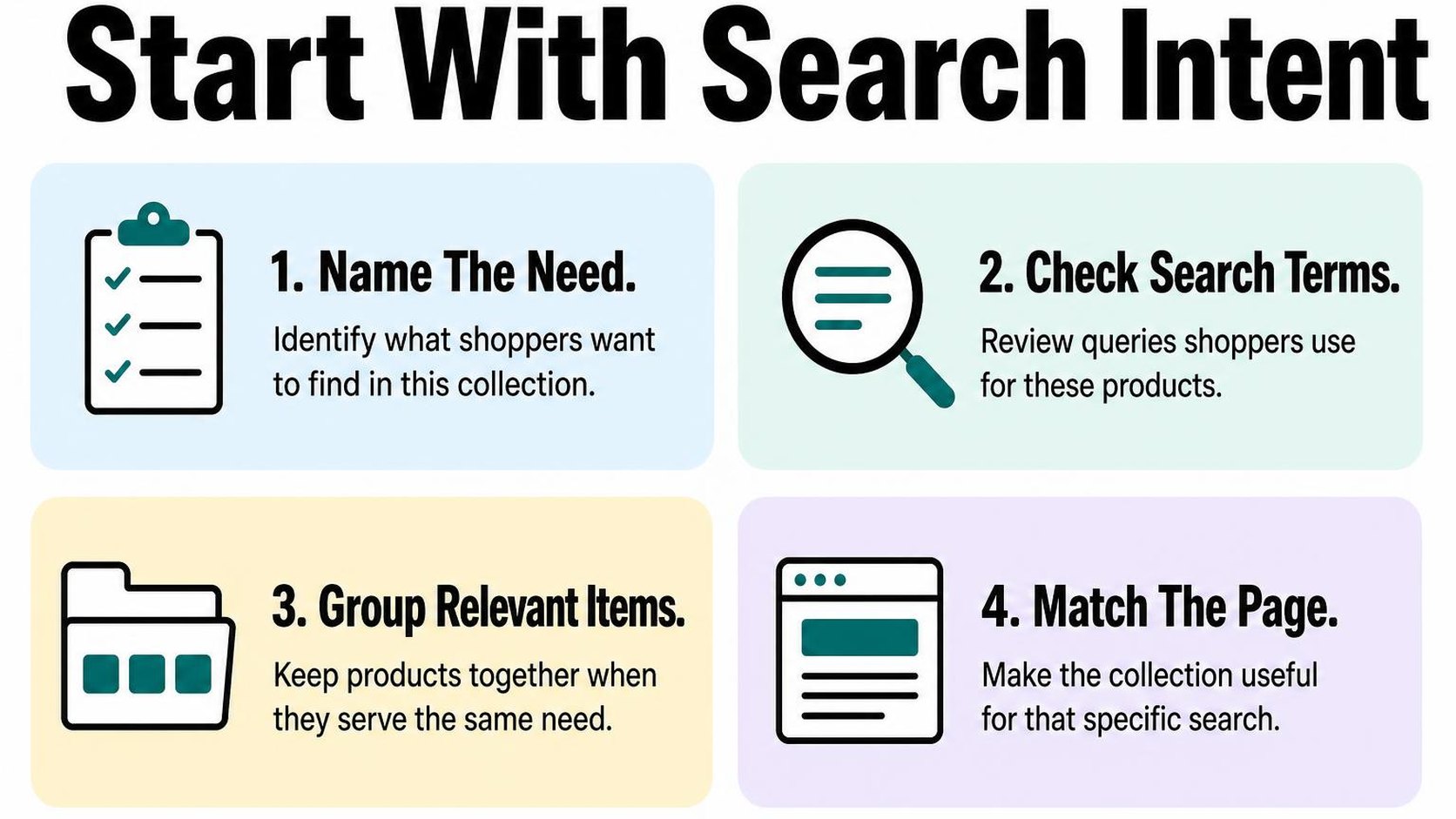
Search intent is the purpose behind a search: browsing options, comparing products, or finding an answer. A collection usually serves a shopping search, such as “women’s waterproof hiking boots,” rather than an informational question such as “how to waterproof boots.”
Choose a primary keyword for every collection
Open a spreadsheet and give each collection one row. Record its URL, main product category, primary keyword, related terms, and the shopping need it serves. Your primary keyword is the main search phrase you want that collection to answer, not a phrase you repeat in every sentence.
Start with the products actually available, then check the search results for a candidate phrase. If the results mostly show category pages selling similar products, a collection is a reasonable fit. If guides dominate, that phrase may belong in an article instead.
- Product fit: Choose “ceramic coffee mugs” only if the collection offers a useful selection of ceramic mugs. Do not target a broad category that your stock barely covers.
- Shopping detail: Add a material, use, audience, or style when it meaningfully narrows the selection. “Linen summer dresses” sets a clearer expectation than “summer clothing.”
- Related language: Map close alternatives such as “ceramic mugs” and “pottery coffee mugs” to the same page when they describe the same range. Use them only where they fit naturally.
- Existing evidence: Check Search Console queries for the collection, then find keyword gaps to identify relevant searches your current pages do not adequately serve.
This map gives your Shopify collection description SEO a purpose: explain the selection and help shoppers choose. It does not give you a quota of synonyms to squeeze above the product grid.
Separate collections that target overlapping searches
Compare collection rows that share similar products and keywords. Keyword cannibalization describes pages competing for the same search need, making it harder to establish a clear destination. Shared products alone are not the problem; two pages promising essentially the same selection are the stronger warning sign.
For example, “ceramic mugs” and “ceramic coffee mugs” may need one collection, while “ceramic travel mugs” can justify another if you stock suitable lidded products. Separate pages earn their place through different shopping needs, not slightly different wording.
- Keep distinct pages: Give each collection a different purpose, suitable inventory, and a description that explains the distinction.
- Combine redundant pages: Choose the stronger destination, move useful content there, update internal links, and redirect a retired URL to the closest relevant replacement.
- Check the query: In Search Console, inspect which pages appear for an overlapping term. Multiple pages receiving impressions are a reason to investigate, not automatic proof of a problem.
Practical rule: Keep two collections only when you can explain why a shopper needs both without referring to their keywords.
Step 2: Write a descriptive collection title and meta description
Your collection appears in Search Console, but its search preview says “Products” followed by your store name. A shopper cannot tell whether you sell ceramic travel mugs or office supplies. For Shopify collection SEO, replace that vague wording with a clear description of the range shoppers actually find.
The goal is not to attract every searcher. Your title and description should help the right shopper recognize a suitable collection before visiting, without promising products, prices, or delivery terms you cannot provide.
Create a concise Shopify collection page title
A page title is the HTML title that search engines can use as the clickable headline in search results. It is separate from the visible collection heading, although both should describe the same product range. Google can display different wording, so treat your title as a clear suggestion rather than a guaranteed headline.
In Shopify admin, open Products, select Collections, and open the collection you want to edit. Find the search engine listing preview and choose its edit option. Shopify’s collection settings instructions explain the editable search listing fields.
For Shopify collection page title SEO, lead with the product category and add one useful distinction. “Ceramic Travel Mugs with Lids | Store Name” communicates more than “Beautiful Mugs for Everyone.” Use a material, use case, or audience only when the products genuinely match it.
- Lead with the category: Put the words shoppers need to identify the range before a slogan or store name.
- Keep titles distinctive: Give travel mugs and espresso cups different titles because they serve different needs, not just to vary keywords.
- Trim unnecessary wording: Aim for roughly 50–60 characters where practical, but treat this as an editing guideline, not a ranking requirement or guaranteed display limit.
- Check the promise: Remove “handmade,” “plastic-free,” or similar claims unless they accurately describe the collection.
Write a useful collection meta description
A meta description is a short summary that search engines may use beneath the result title. Your Shopify collection meta description should explain what shoppers can browse and give them a concrete reason to visit. It is not a direct Google ranking factor, and Google may instead select text from the page.
For example: “Browse ceramic travel mugs with fitted lids in neutral and bright glazes. Compare capacities and care instructions to find your everyday coffee mug.” Use this wording only if those choices and details exist on the page.
Aim for roughly 140–160 characters when that gives you enough room to be useful. Display length varies, so put essential information first and avoid padding. If you manage many collections, use a repeatable process to optimize Shopify meta titles and descriptions, then review each page for accuracy.
Practical rule: Read the title and description together before saving. If a shopper lands on this collection, the products and visible content should immediately support the promise. Do not add free shipping, discounts, or stock claims that can expire without a review.
Step 3: Set a clean, stable collection URL
You rename a collection for a seasonal campaign, then notice its web address still uses last year’s wording. Before changing it, separate the page’s display name from its address. For Shopify collection SEO, a readable URL helps you describe the destination, but an established address rarely needs changing just because your marketing copy changes.
Keep the handle short and descriptive
A handle is the editable part at the end of your collection URL: in /collections/ceramic-mugs, the handle is ceramic-mugs. Choose words that describe the collection’s lasting product category, rather than a temporary offer or an internal merchandising label.
In your Shopify admin, open the collection and find its search engine listing settings. Edit the URL handle there when you create the collection. Shopify keeps the /collections/ path; you only need to choose the descriptive ending.
- Use recognizable wording: Choose ceramic-mugs rather than collection-27 or kitchen-favorites-new. A shopper should understand the destination before opening it.
- Separate words clearly: Use lowercase words with hyphens, such as linen-bed-sheets. Avoid strings of abbreviations that only your team understands.
- Keep useful distinctions: Choose womens-hiking-boots if that accurately describes the range. Short does not mean removing words that distinguish the collection from another one.
- Leave out temporary details: Avoid years, sale percentages, or campaign names unless the collection genuinely exists only for that event. A permanent category needs an address that still makes sense next season.
Shopify collection URL SEO does not require fitting every target phrase into the handle. Use the clearest category wording once, and let the title, description, and products explain the rest. An address such as ceramic-mugs-coffee-mugs-best-mugs adds repetition without making the destination clearer.
Preserve existing URLs and redirect changed handles
Before editing a live handle, check whether the collection already receives search visits or has links from other pages. If /collections/coffee-mugs accurately describes the range, keep it even when a keyword report suggests a slightly different phrase. A cosmetic improvement usually does not justify changing an established address.
Change the handle when it is misleading, contains a serious error, or no longer matches the collection’s purpose. A URL redirect sends visitors and crawlers from an old address to its replacement. Shopify’s collection settings guide explains how to edit the handle and optionally redirect the previous URL.
- Save the old address: Record the full URL before editing so you can verify the redirect afterward.
- Enable the redirect: Select the option to redirect the previous URL when saving the changed handle.
- Update your own links: Point navigation menus, blog links, and promotional content directly to the new address instead of relying on the redirect.
- Test the result: Open the old address and confirm that it reaches the correct collection. Check that the new address loads the intended products without another redirect.
Practical rule: Choose a clear handle once, then treat it as permanent. If a change is necessary, redirect the old address to the closest relevant replacement—not automatically to your homepage.
Step 4: Add helpful SEO content to the collection page
You open a collection on your phone and see either a bare product grid or a long introduction that pushes every product out of view. Shopify collection SEO needs a better balance: enough context to help shoppers choose, without making them scroll through an essay before they can browse.
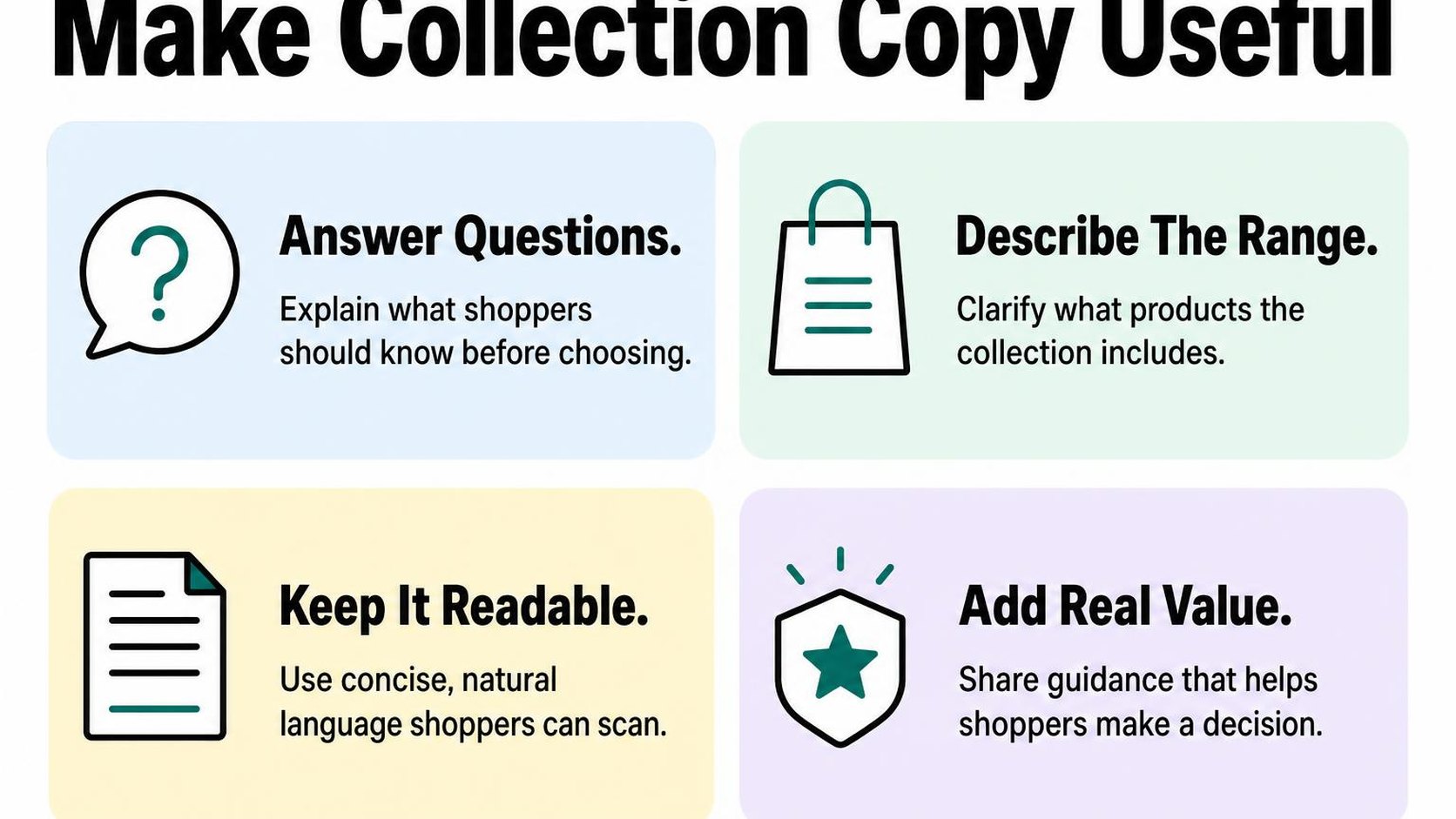
Collection copy is the shopper-facing text that explains what a collection contains and how to choose within it. Unlike a meta description, it appears on the page itself, so every sentence should earn its space by answering a buying question.
Write unique collection copy for shoppers
Start with the decision your shopper faces. For a linen bedding collection, explain the available sizes, fabric composition, and relevant differences between sets—not the history of linen or a generic promise of quality.
Use your main collection phrase where it fits naturally, then include specific terms that describe the actual range. Shopify collection description SEO works best as an editing discipline: replace vague claims with useful details, and remove repeated phrases that add nothing.
- Define the range: Say what shoppers can find, such as linen duvet covers, fitted sheets, and pillowcases. Only name products that belong in the collection.
- Explain selection criteria: Highlight practical differences such as dimensions, material, compatibility, or intended use. Check those details against the products before publishing.
- Make each description distinct: Give cotton bedding and linen bedding different explanations. Swapping a material name in otherwise identical paragraphs does not help shoppers understand the difference.
- Remove unsupported claims: Avoid calling every item sustainable, hypoallergenic, or suitable for all seasons unless you can substantiate that statement across the collection.
For example, a useful introduction reads: “Browse linen duvet covers, sheets, and pillowcases in single through king sizes. Choose individual pieces to replace essentials, or compare sets when refreshing your bedding.” That copy explains the range and a buying decision without repeating the target phrase.
Place content where it supports browsing
Add your introduction in the collection’s description field, then preview how your theme displays it. The field gives you a place to write; your collection template determines whether that text appears above the grid, below it, or not at all.
Start with two or three short sentences above the products. This is an editorial starting point, not a ranking requirement: a straightforward collection may need less explanation, while a technical range may need a separate buying guide.
If shoppers need more detail, place a short selection guide below the grid using a suitable theme section. Avoid repeating the introduction there, and do not add a large text block simply to reach a word count.
Practical rule: Keep the introduction short enough that shoppers reach products quickly on mobile. Move supporting advice lower on the page only when it helps them compare or choose.
Check the published page on mobile and desktop, especially after theme changes. Remove awkward spacing, oversized headings, and duplicated descriptions before you consider the work finished.
For the surrounding tasks, use the guide to improve Shopify SEO alongside your collection edits. Helpful copy supports browsing and relevance; it does not guarantee rankings on its own.
Step 5: Strengthen collection links and navigation
You publish a collection, but shoppers can reach it only through search or an old campaign link. For Shopify collection SEO, that leaves an important page disconnected from the browsing paths customers already use.
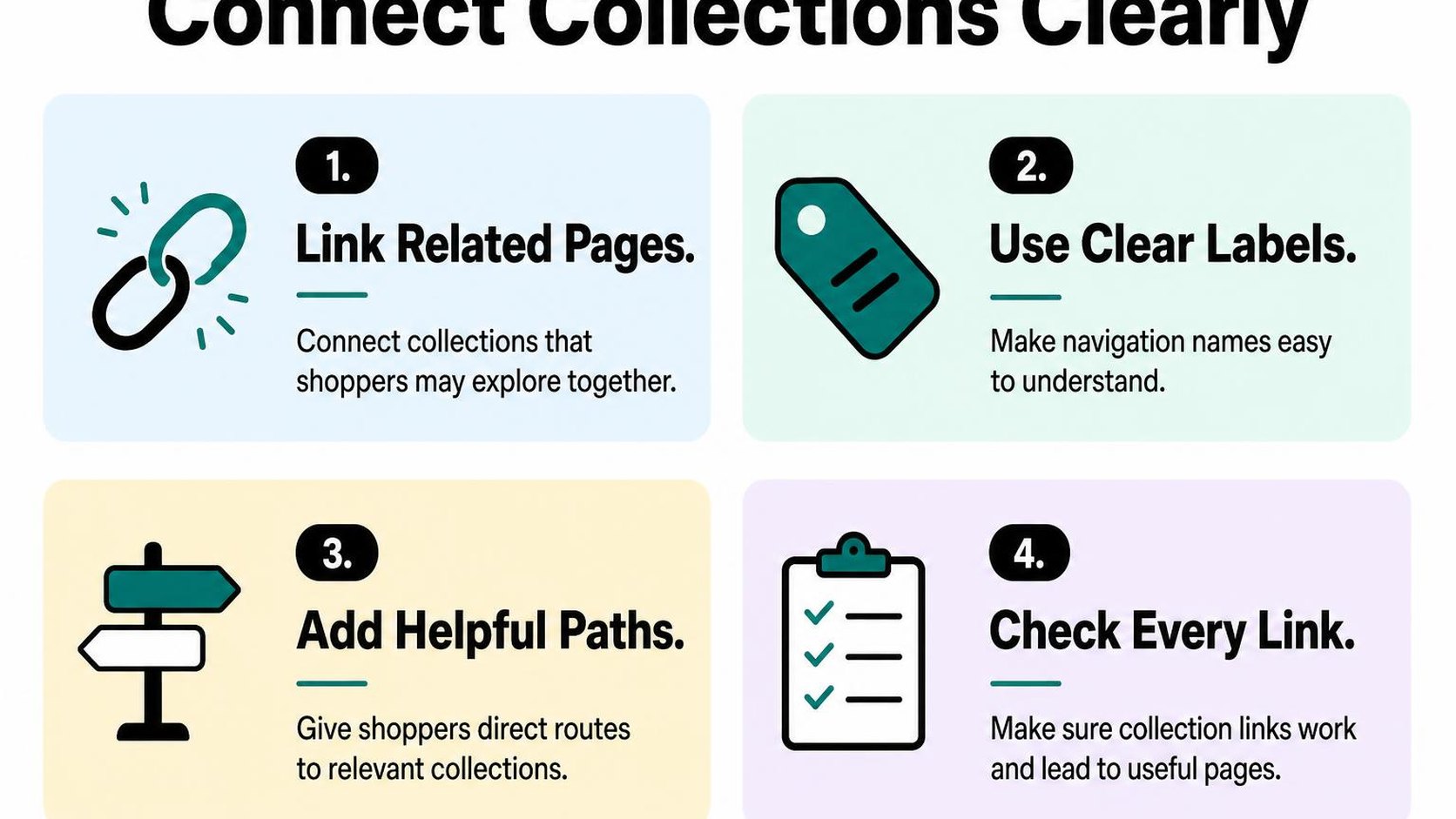
Internal links connect one page on your store to another. Use them to make priority collections easier to discover, without filling every menu and paragraph with links that distract from the next useful step.
Link to priority collections from relevant pages
Choose the collections that deserve stronger visibility based on customer demand, stock availability, and their role in your catalog. Add your main shopping categories to the primary menu, then place narrower collections beneath the category shoppers naturally associate with them.
For example, link “Waterproof hiking jackets” from your outerwear collection and a guide about choosing rain gear. A link from an unrelated gift guide adds little browsing value, even if that guide receives plenty of traffic.
- Main navigation: Give core collections a clear place in your menu. Keep seasonal promotions from pushing essential shopping categories out of view.
- Related collections: Add a small set of relevant alternatives or subcategories, such as hiking socks alongside hiking boots. Choose links that help shoppers narrow or complete their purchase.
- Editorial content: Link from buying guides and care articles when a collection provides the products discussed. Place the link beside the advice it supports, rather than appending a generic shopping list.
- Product pages: Offer a route back to the relevant collection through breadcrumbs or a useful category link. Do not rely only on shoppers using their browser’s back button.
Use the clean collection URL as the destination unless a filtered view serves a specific shopper need. Linking repeatedly to sorting options or filter combinations makes your navigation harder to maintain and can send shoppers to unnecessarily narrow selections.
Use breadcrumbs and descriptive link text
Breadcrumbs show a page’s place within your store hierarchy, such as Home, Outerwear, and Waterproof Jackets. Check whether your theme displays them, then test the links on collection and product pages, especially when a product belongs to several collections.
Keep the path understandable rather than forcing every collection into it. If your theme chooses a product’s breadcrumb based on the collection used to reach it, test different entry routes so shoppers do not encounter a misleading category or a broken link.
Write link text that describes the destination: “Shop waterproof jackets” is clearer than “Explore more.” Shopify’s guidance on organizing store navigation for search engines recommends descriptive internal-link text and keeping important pages within three clicks of the homepage where possible.
Practical rule: Add a collection link where it answers the shopper’s next question. If you cannot explain why that destination helps at that point, leave the link out.
Finish your Shopify collection internal linking check on mobile. Open the menu, follow a category into a collection, visit a product, and return through the breadcrumb. Fix unclear labels, broken destinations, and awkward paths before adding more links; extra links do not compensate for navigation that shoppers cannot use.
Step 6: Check duplicate content and filtered collection URLs
Your Search Console report shows several collection URLs for the same products, or a filter creates a new address every time you select a size. Shopify collection SEO needs a clear distinction between pages that deserve search visibility and variations that only help shoppers browse.
Similar products do not automatically make two collections duplicates. The question is whether each page serves a distinct shopping need, rather than offering another URL for essentially the same result.
Review overlapping collection copy and targeting
Compare collections with similar names, product selections, and search queries. For example, “women’s rain jackets” and “waterproof jackets for women” may compete for the same searches if they contain the same inventory and nearly identical introductions.
Search intent means the task behind a search, such as finding a lightweight running jacket rather than a winter coat. Keep separate collections when their selection and content genuinely support different tasks; changing a few words does not create that distinction.
- Compare targeting: Review each collection’s title, main heading, description, and products. In Search Console, check whether similar pages appear for the same queries; overlap alone is not proof that either page should disappear.
- Keep useful differences: Give distinct collections specific selection criteria and buying guidance. Avoid copying the same paragraph across every category and replacing only the product name.
- Consolidate true duplicates: Choose the stronger destination, update links pointing to the retired collection, and add a permanent redirect when removing its URL. Do not redirect a useful category to a loosely related page.
Control indexation of filter and sort variations
Faceted navigation lets shoppers narrow products by attributes such as size, colour, or price. Those selections, along with sorting controls, can generate many URL combinations without creating useful standalone search pages.
As Google’s guidance on crawling faceted navigation explains, filter combinations can create vast URL spaces. Decide which variations deserve indexing before changing crawl controls.
| Page type | Typical decision | What to check |
|---|---|---|
| Main collection | Keep crawlable and indexable | Useful selection, distinct targeting, and a consistent canonical |
| Sort-only variation | Usually consolidate with the main collection | Same products, different order, and canonical signals |
| Useful filtered selection | Consider a dedicated indexable collection | Search demand, stable inventory, and distinct content |
| Low-value filter combination | Usually keep out of the index | Existing indexation and an appropriate technical control |
A canonical tag suggests the preferred URL for duplicate or very similar pages; it is a hint, not a guaranteed exclusion. Inspect representative URLs to check the rendered canonical and Google’s selected canonical rather than assuming every theme or filter app behaves identically.
Noindex asks search engines not to index a page, while robots.txt rules control crawling. Do not block a URL in robots.txt and expect Google to read its noindex instruction; Google must crawl the page to see it.
Practical rule: Preserve useful shopping filters, but avoid making every combination a search landing page. Have a developer review collection templates, filter behaviour, and existing indexed URLs before changing crawl or indexation rules.
Step 7: Measure results and refine your collection SEO checklist
You update a collection title, then open Search Console a week later and see fewer clicks. That does not automatically mean the change fails: demand, stock availability, and competing results can shift too. Your Shopify collection SEO checklist needs a baseline and a change log so you can separate a useful update from normal variation.
Track impressions, clicks, rankings, and organic visits
In Search Console, filter the Performance report to one collection URL. Compare the latest 28 complete days with the previous 28, and check the same period last year when seasonal demand matters. Keep the country, device, and search type consistent.
Click-through rate (CTR) is the percentage of impressions that produce a click. Average position summarizes where your results appear, rather than giving you one fixed ranking. The Search Console Performance report documentation explains these metrics and how to examine them by page and query.
- Impressions: Check whether the collection appears for relevant shopping queries. More appearances for unrelated searches do not necessarily help your store.
- Clicks and CTR: Look for pages with substantial impressions but few clicks. Review the search intent and competing results before rewriting the title or collection meta description.
- Rankings: Track a consistent group of relevant queries. An overall average can worsen when your page starts appearing for additional, lower-position searches.
- Organic visits: In your analytics, track sessions that begin on the collection from organic search. Review engagement and purchases alongside traffic; analytics sessions and Search Console clicks will not match exactly.
Prioritize fixes and review changes over time
Start with a collection that has relevant impressions, available products, and a clear weakness you can address. Record the URL, baseline metrics, update date, and your expectation. Fix a blocking indexation problem before testing copy, and avoid changing the handle merely to make the URL look tidier.
Use this Shopify collection SEO checklist to choose the next action, not to rebuild every collection at once:
- Search intent: Confirm that the product selection matches what the target query promises. Check stock and seasonal demand before treating falling traffic as an SEO fault.
- Search appearance: Make the collection title specific and the meta description accurate. Test one coherent search-snippet update rather than rewriting every field.
- On-page usefulness: Check the main heading, collection description, and product grid. Add buying guidance where it helps shoppers, not paragraphs that repeat keywords.
- Discovery and indexing: Verify useful internal links and inspect the intended indexed URL. Investigate unexpected canonical selections before adding more content.
- Review date: Check weekly for unexpected problems, then assess performance after several weeks and sufficient impressions. Allow longer for low-traffic collections.
Practical rule: Change one meaningful element or closely related group of elements per collection, keep a dated record, and compare equivalent periods before deciding whether to keep, revise, or reverse the update.
This measurement routine reflects the store work behind the guidance from Yassine Malti, the developer writing from practical Shopify experience.
Put this into practice
Start with the store you already have, then use the guides on the blog for the next page that needs the same treatment.
Shopify apps by Yassine Malti
Put this into practice
-

ALT SEO · Image alt text
AI alt text for every product image · 100 images/month free
-

RANKit · Meta titles & descriptions
AI meta titles and descriptions, sized for Google · 50 meta tags/month free
-

TAGit · Product tags
SEO-friendly product tags, generated in bulk · 50 tags/month free